

wp:paragraph
An ad blocker Chrome extension can change the way you use the internet. It hides annoying ads, blocks pop-ups, and protects your privacy.
/wp:paragraph
wp:paragraph
With the right tool, you get faster pages, cleaner screens, and a safer online space. In 2026, Chrome users have many choices, but some stand out as the best.
/wp:paragraph
wp:image {“id”:56748,”width”:”700px”,”sizeSlug”:”full”,”linkDestination”:”media”,”align”:”center”}
/wp:image
wp:heading
Why Use an Ad Blocker?
/wp:heading
wp:paragraph
Ads are everywhere—on websites, before videos, and even inside mobile games. They slow down your browsing, waste your time, and sometimes track your actions. That’s why ad blockers are now a must-have for most people.
/wp:paragraph
wp:paragraph
When you install an ad blocker, you get back control. You see only the content you want without constant interruptions. You also protect your personal data because many ads carry trackers that follow your moves online.
/wp:paragraph
wp:paragraph
Fun fact: the average internet user sees over 6,000 ads per day. Imagine how much cleaner your screen looks with those removed!
/wp:paragraph
wp:heading {“level”:3}
Benefits for Privacy
/wp:heading
wp:paragraph
Your online life is full of hidden watchers. Trackers collect your clicks, searches, and purchases. They build profiles that advertisers use to target you. This makes the internet feel less private.
/wp:paragraph
wp:paragraph
An ad blocker helps stop this. It blocks the scripts that track you across websites. Some even show you how many trackers they block in real time. This gives you peace of mind and proof that your data is safer.
/wp:paragraph
wp:paragraph
Using a trusted ad blocker extension can be the simplest way to take back your privacy.
/wp:paragraph
wp:heading {“level”:3}
Faster Page Loading
/wp:heading
wp:paragraph
Ads are not just annoying—they are heavy. They load pictures, videos, and hidden code that slow down websites. Some pages take twice as long when full of banners.
/wp:paragraph
wp:paragraph
By cutting them out, ad blockers make sites faster. Videos start right away, and articles open without delay. Faster browsing saves time and battery, especially on laptops and mobile devices.
/wp:paragraph
wp:paragraph
In short, fewer ads mean smoother surfing.
/wp:paragraph
wp:heading {“level”:3}
Improved User Experience
/wp:heading
wp:paragraph
Clean pages are easier to read. Videos without interruptions are more fun to watch. With fewer distractions, you enjoy what matters—content, not commercials.
/wp:paragraph
wp:paragraph
Ad blockers also help with focus. Students, workers, and gamers all benefit from a clutter-free screen. It feels like switching from a crowded street to a quiet park.
/wp:paragraph
wp:paragraph
A better browsing experience makes the internet feel lighter, friendlier, and more personal.
/wp:paragraph
wp:heading
How to Download an Ad Blocker?
/wp:heading
wp:paragraph
Adding an adblocker to Chrome is simple. You don’t need technical skills.
/wp:paragraph
wp:list {“ordered”:true}
- wp:list-item
- Open the Chrome Web Store.
- Search for the ad blocker you want, for example, Standsapp.
- Click “Add to Chrome.”
- Confirm installation.
- Check the icon in the browser bar.
/wp:list-item
wp:list-item
/wp:list-item
wp:list-item
/wp:list-item
wp:list-item
/wp:list-item
wp:list-item
/wp:list-item
/wp:list
wp:paragraph
That’s it! Now you can surf without interruptions. Test your blocker by visiting a site full of ads—you’ll see the difference instantly. Downloading takes less than a minute, but the change lasts for every browsing session.
/wp:paragraph
wp:heading
Top Chrome Ad Blocker Extensions
/wp:heading
wp:paragraph
Here’s a quick look at the best Chrome ad blockers in 2026.
/wp:paragraph
wp:table
| Ad Blocker | Best Feature | Ease of Use | Privacy Tools | Best For |
| Standsapp | Blocks ads & trackers | ★★★★★ | ★★★★★ | Everyday users, YouTube |
| AdGuard | Strong customization | ★★★★☆ | ★★★★☆ | Advanced settings lovers |
| uBlock Origin | Lightweight & fast | ★★★★★ | ★★★★☆ | Tech-savvy users |
| AdBlock Plus | Popular & easy to use | ★★★★☆ | ★★★★☆ | Beginners |
| Ghostery | Privacy-focused tools | ★★★★☆ | ★★★★★ | Privacy-first browsing |
/wp:table
wp:heading
Standsapp
/wp:heading
wp:heading {“level”:3}
Key Features
/wp:heading
wp:paragraph
Standsapp blocks ads, pop-ups, and hidden trackers with one click. It also removes YouTube ads so videos play without interruptions. The extension works in the background and doesn’t slow your device. It updates automatically to stay ahead of new ad formats.
/wp:paragraph
wp:heading {“level”:3}
Unique Advantages
/wp:heading
wp:paragraph
What makes Standsapp stand out is the balance between simplicity and power. You don’t need to set filters or lists—it just works.
/wp:paragraph
wp:paragraph
At the same time, it protects your privacy with strong anti-tracking tools. Another big plus is that it doesn’t only block ads—it also improves page loading speed, making browsing feel lighter.
/wp:paragraph
wp:heading {“level”:3}
Who Should Use It?
/wp:heading
wp:paragraph
Standsapp is perfect for everyday users who want an all-in-one solution. Students can study without distractions.
/wp:paragraph
wp:paragraph
Families can enjoy YouTube without interruptions. Professionals can read and research without pop-ups. If you want one extension that’s fast, safe, and easy, Standsapp is the best choice.
/wp:paragraph
wp:heading
AdGuard
/wp:heading
wp:heading {“level”:3}
Key Features
/wp:heading
wp:paragraph
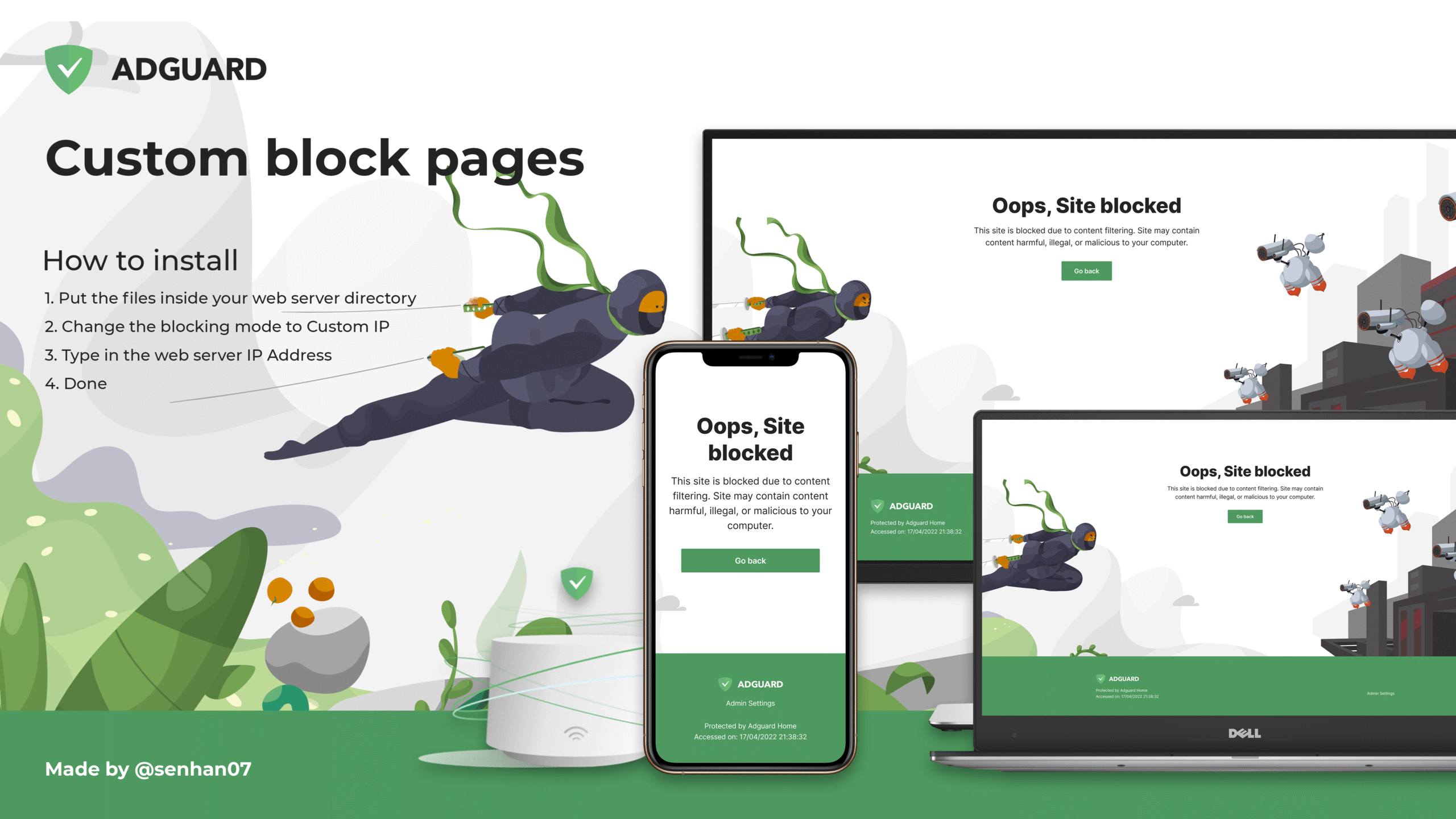
AdGuard is more than a simple ad blocker. It filters banners, pop-ups, and video ads, but also includes parental control and safe browsing features. It can block phishing attempts, which helps protect personal information.
/wp:paragraph
wp:heading {“level”:3}
Pros and Cons
/wp:heading
wp:paragraph
The biggest advantage of AdGuard is its flexibility. You can fine-tune settings, whitelist websites, or block entire categories of ads. However, beginners may find the number of options confusing at first. It takes time to learn the full power of the tool.
/wp:paragraph
wp:heading {“level”:3}
Best Use Cases
/wp:heading
wp:paragraph
AdGuard is ideal for advanced users or families. Parents can set filters for kids. Security-focused users can rely on its phishing protection. If you want a tool that goes beyond ad blocking, AdGuard is a strong pick.
/wp:paragraph
wp:image {“id”:56747,”width”:”700px”,”sizeSlug”:”full”,”linkDestination”:”media”,”align”:”center”}
/wp:image
wp:heading
uBlock Origin
/wp:heading
wp:heading {“level”:3}
Key Features
/wp:heading
wp:paragraph
uBlock Origin is famous for being lightweight and efficient. It blocks ads, pop-ups, and trackers while using very little memory. This makes it one of the fastest tools available.
/wp:paragraph
wp:heading {“level”:3}
Performance Highlights
/wp:heading
wp:paragraph
Unlike some extensions, uBlock Origin doesn’t slow your computer. It’s designed to be light and fast, even on older devices. It also gives you control to add your own filters if you like customization.
/wp:paragraph
wp:heading {“level”:3}
Ideal Users
/wp:heading
wp:paragraph
uBlock Origin is best for tech-savvy people who want speed and simplicity. Developers, gamers, and heavy internet users often choose it. If you want something powerful but minimal, uBlock Origin is a great fit.
/wp:paragraph
wp:heading
AdBlock Plus
/wp:heading
wp:heading {“level”:3}
Key Features
/wp:heading
wp:paragraph
AdBlock Plus is one of the oldest and most trusted names in the game. It blocks banners, video ads, and pop-ups. It also allows “acceptable ads” by default, which are small, non-intrusive banners.
/wp:paragraph
wp:heading {“level”:3}
Strengths and Weaknesses
/wp:heading
wp:paragraph
Its main strength is popularity and ease of use. Millions of people use it, and it’s very beginner-friendly. But some users don’t like the acceptable ads feature and choose to disable it.
/wp:paragraph
wp:heading {“level”:3}
Recommended Scenarios
/wp:heading
wp:paragraph
AdBlock Plus is best for people who are new to ad blockers. If you just want something that installs in seconds and works, this is the extension for you.
/wp:paragraph
wp:heading
Ghostery
/wp:heading
wp:heading {“level”:3}
Key Features
/wp:heading
wp:paragraph
Ghostery focuses on privacy. It blocks ads but also shows who is tracking you on each site. It gives you a dashboard where you can see hidden trackers.
/wp:paragraph
wp:heading {“level”:3}
Privacy-Focused Tools
/wp:heading
wp:paragraph
It doesn’t just block—it educates. You can see which companies are trying to follow your moves online. Ghostery also anonymizes your data for even more protection.
/wp:paragraph
wp:heading {“level”:3}
Target Audience
/wp:heading
wp:paragraph
Ghostery is perfect for users who care deeply about privacy. Journalists, researchers, or anyone handling sensitive data will find it useful. It gives you both control and insight into the invisible side of the web.
/wp:paragraph
wp:heading
How to Choose the Right Extension?
/wp:heading
wp:paragraph
Picking the right extension depends on your goals.
/wp:paragraph
wp:heading {“level”:3}
Performance vs. Features
/wp:heading
wp:paragraph
If you want the lightest option, uBlock Origin is the fastest. If you want full features, Standsapp and AdGuard offer extras like YouTube ad blocking and parental control.
/wp:paragraph
wp:heading {“level”:3}
Ease of Use
/wp:heading
wp:paragraph
For beginners, AdBlock Plus or Standsapp are the easiest to start with. Both work right away without advanced setup.
/wp:paragraph
wp:heading {“level”:3}
Device Compatibility
/wp:heading
wp:paragraph
If you use multiple devices, AdGuard and Standsapp are best because they support more than Chrome. They also work across mobile and desktop.
/wp:paragraph
wp:heading
Conclusion
/wp:heading
wp:paragraph
Ad blockers make browsing faster, safer, and more enjoyable. They cut ads, protect privacy, and improve user experience. In 2026, the top tools include Standsapp, AdGuard, uBlock Origin, AdBlock Plus, and Ghostery.
/wp:paragraph
wp:paragraph
Standsapp stands out as the best all-round choice—it’s simple, powerful, and works for everyone. But the others are also excellent depending on your needs. Try one today and enjoy a smoother, cleaner internet.
/wp:paragraph
wp:paragraph
/wp:paragraph
