

You need the right tools to close deals. Pipedrive works well on its own, but it gets better when you add the right integrations. These tools help you send proposals, make calls, and track every interaction with your prospects.
We looked at five companies that with Pipedrive caller you can try in 2026. Each one solves a different problem in your sales process.
GetAccept
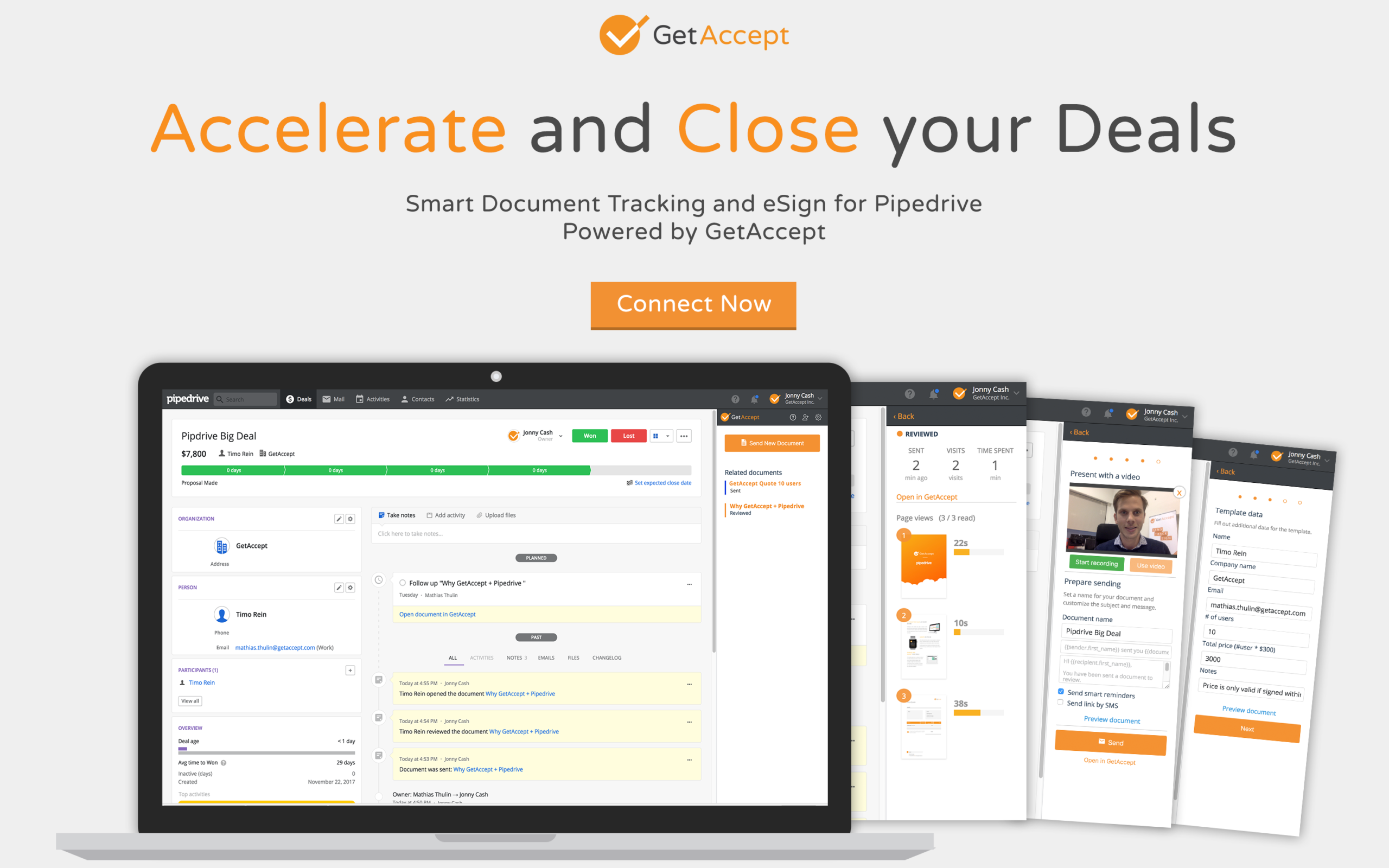
GetAccept turns your proposals into interactive experiences. You send documents through their platform, and they become digital sales rooms where prospects can review content, ask questions, and sign contracts.
The platform connects to Pipedrive through a Chrome extension. When you create a proposal, GetAccept pulls product details and pricing from your CRM. This saves time and prevents errors.
Key Products:
- Digital Sales Rooms for buyer collaboration
- Electronic signature tool with legal compliance (ESIGN, UETA, eIDAS)
- Proposal builder with dynamic pricing tables
- Document tracking that shows when prospects open files
Features Worth Noting: You can add videos to proposals. GetAccept tracks who watches them and for how long. The pricing tables update automatically when you change product details in Pipedrive. Recipients can sign documents on any device without downloading software.
The platform shows you which sections of your proposal get the most attention. This helps you understand what matters to your prospects. You can set automated reminders so prospects don’t forget about your proposal.
GetAccept also captures data that recipients fill in and sends it back to Pipedrive. This keeps your CRM current without manual entry.
CloudTalk
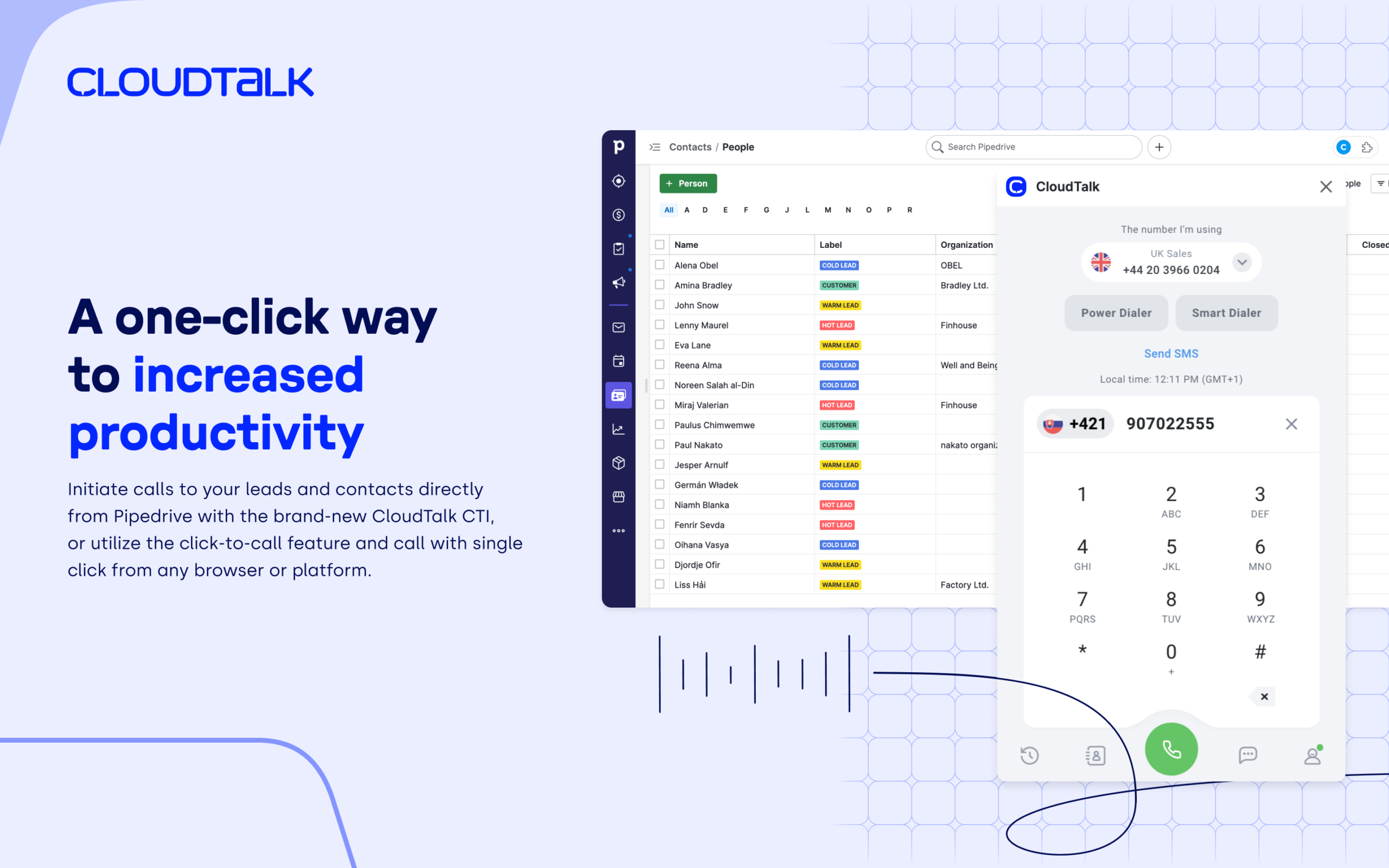
CloudTalk handles your business calls through the cloud. It connects with Pipedrive so you can make and receive calls without leaving your CRM.
The system shows caller information instantly. When someone calls, you see their complete history from Pipedrive. This context helps you personalize each conversation.
Key Products:
- Cloud-based phone system
- Power dialer for outbound campaigns
- SMS messaging
- Call center software
Features Worth Noting: CloudTalk logs every call automatically in Pipedrive. You get recordings, voicemails, and SMS messages saved to the right contact. The system works in over 160 countries with local numbers.
You can set custom rules for how calls get logged. Choose specific working hours or assign missed calls to certain team members. The integration syncs data every 10 minutes.
Call analytics show performance metrics like duration, outcomes, and tags. Managers can monitor calls in real time and coach agents through whisper features.
JustCall
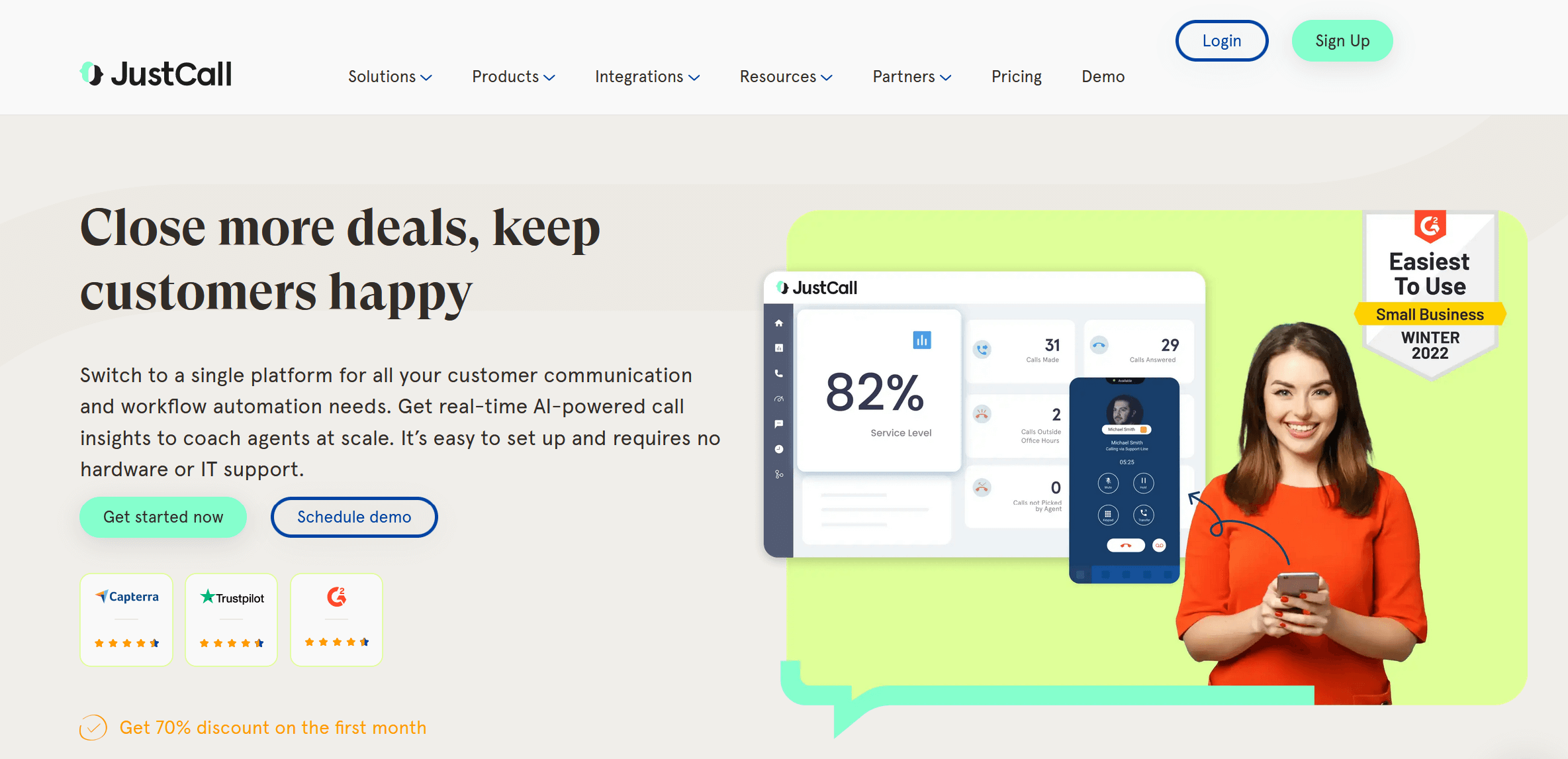
JustCall combines calling and texting in one platform. It works directly inside Pipedrive, so your team stays in one workspace.
The platform uses AI to handle routine tasks. After each call, it generates transcripts and summaries automatically. This cuts down on note-taking time.
Key Products:
- Sales dialer (power, dynamic, and predictive options)
- SMS automation
- AI-powered call transcription
- Real-time coaching tools
Features Worth Noting: The predictive dialer can handle up to 10 lines at once. This lets your team reach more prospects per day. When calls go to voicemail, JustCall can trigger automated SMS follow-ups.
AI features analyze call sentiment and suggest improvements to your pitch. The transcription service logs discussions and action items directly in Pipedrive.
Field sales teams can access customer history through the mobile app. Everything syncs back to Pipedrive automatically.
Aircall
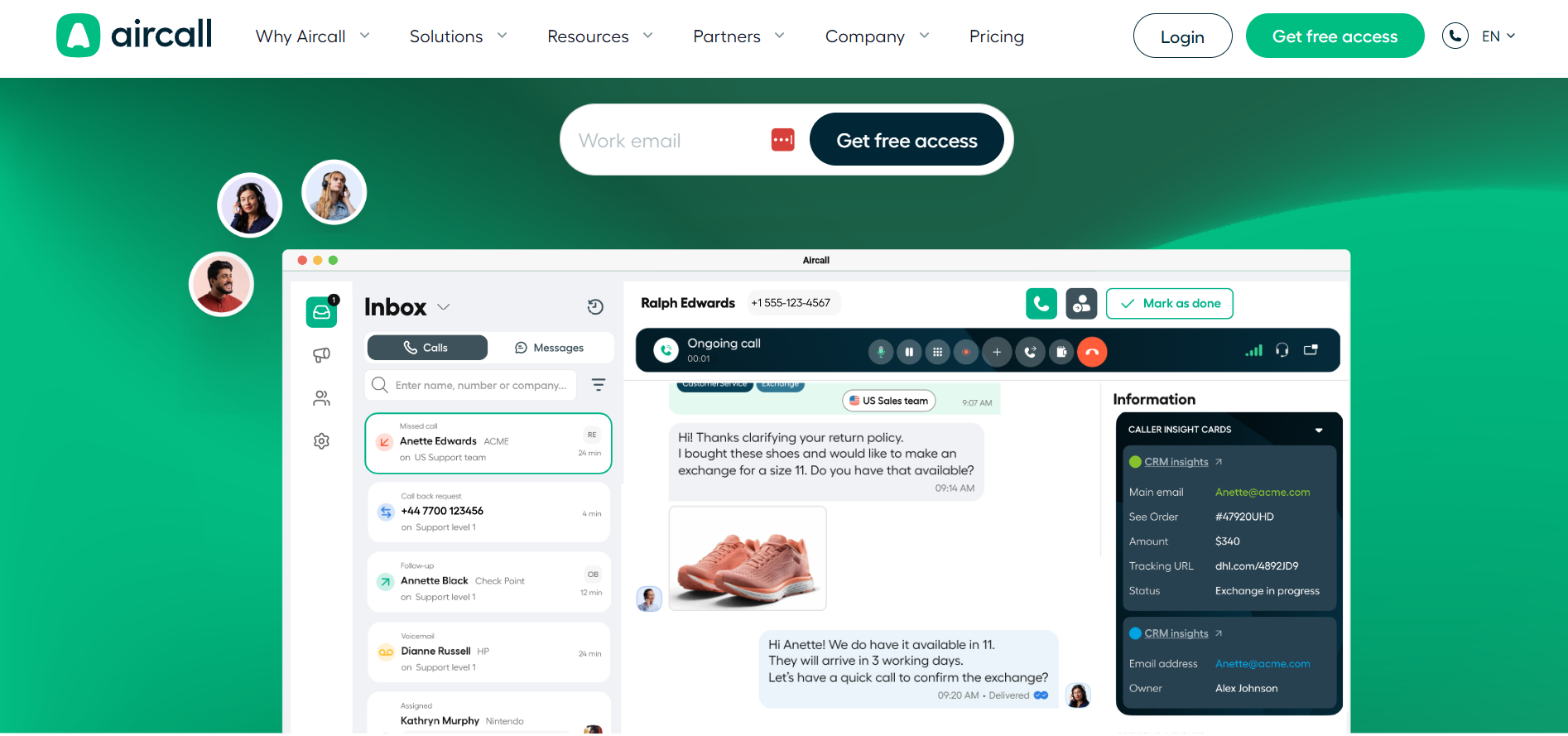
Aircall runs call centers from the cloud. It works for small teams and large operations. The Pipedrive integration keeps all communication data in sync.
When calls come in, Aircall displays customizable insight cards. You choose which fields from contacts, leads, and deals appear on screen. This gives you context before you answer.
Key Products:
- Cloud call center platform
- Click-to-dial functionality
- Multi-channel messaging (SMS, MMS, WhatsApp)
- AI call summaries
Features Worth Noting: Aircall uses AI to summarize calls automatically. It identifies key topics, sentiment, and action items. These summaries save to the correct Pipedrive record without manual work.
The PowerDial feature lets you load a list from Pipedrive and call through it quickly. If you miss a call, the system creates a callback request so you never lose a lead.
Notes from calls sync back to Pipedrive instantly. The system links interactions to the right contact even without an existing record.
Kixie
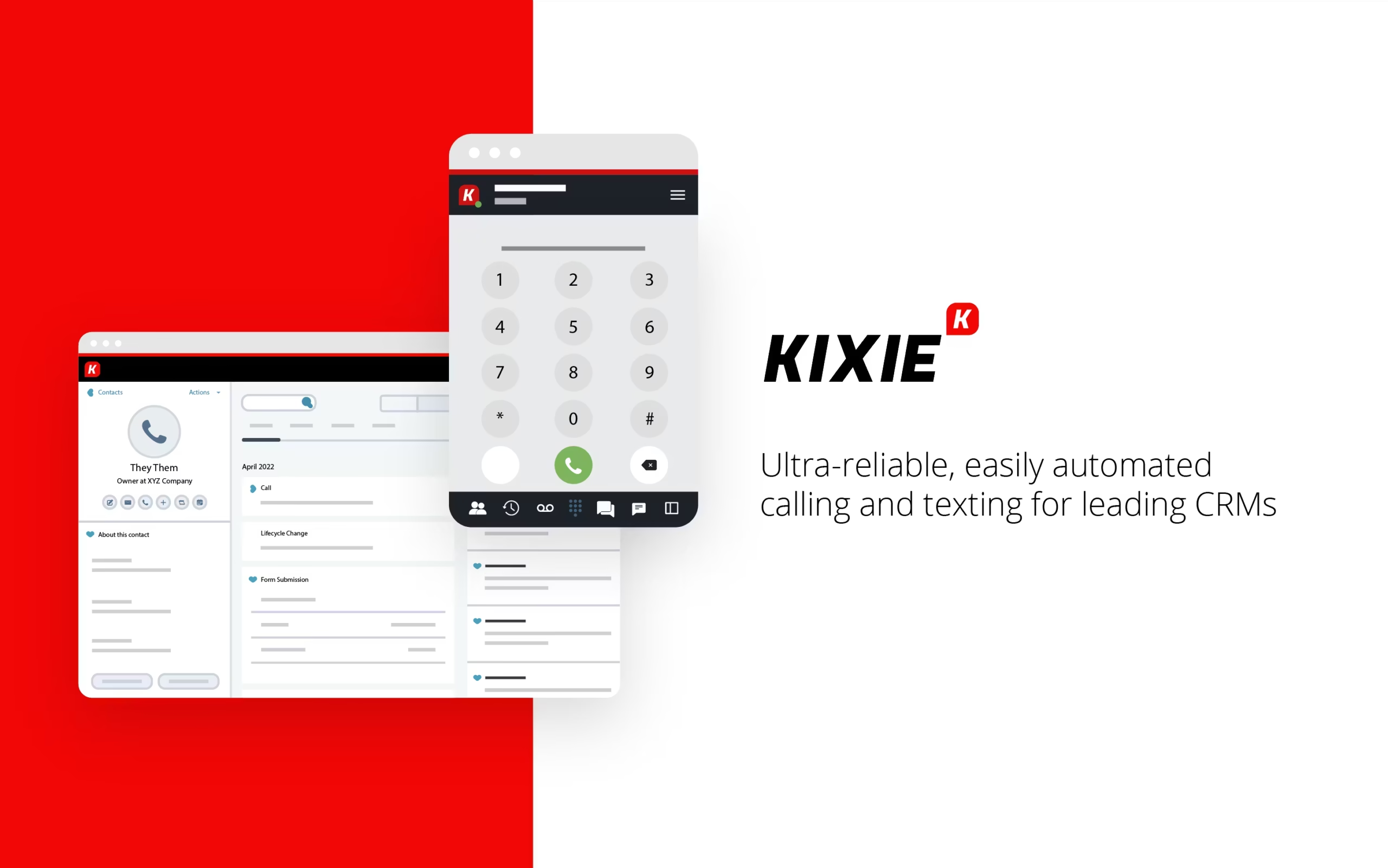
Kixie focuses on unlimited calling and texting for sales teams. It sets up in three minutes without any hardware installation.
The platform includes a Chrome extension that works anywhere you browse. You can call contacts from LinkedIn, email, or your CRM.
Key Products:
- PowerCall unlimited calling service
- Automated SMS campaigns
- Intelligent auto-dialing
- Enterprise phone system
Features Worth Noting: Kixie offers calling to over 90 countries. The auto-dialer reduces time between calls by automatically moving to the next prospect.
Text messaging campaigns run on autopilot. You set the message sequence and Kixie handles delivery. All conversations log to Pipedrive automatically.
The system includes local presence dialing. When you call prospects, they see a local number on their caller ID. This improves answer rates.
Picking The Right Tool
Each tool serves a specific purpose. GetAccept works best when you need to send proposals and track document engagement.
CloudTalk, JustCall, and Aircall focus on calling with different features. Kixie combines calling and texting for teams that use both channels heavily.
Think about your sales process. If you close deals through proposals and contracts, start with GetAccept. If your team spends most of their day on calls, look at the calling platforms.
You can use multiple tools together. Many teams pair GetAccept for proposals with a calling platform for outreach. The integrations work independently, so they won’t interfere with each other.
All five tools offer free trials. Test them with your team before committing. Pay attention to which ones your reps actually use. The best tool is the one your team adopts consistently.
Your Pipedrive setup determines how well these tools work. Make sure your contact data is clean and organized. The integrations rely on accurate information to function properly.
Start with one tool. Get your team comfortable with it before adding more. Too many changes at once create confusion and hurt adoption rates.
