

Android users may occasionally notice unusual file paths appearing on their devices. One such address is content://cz.mobilesoft.appblock.fileprovider/cache/blank.html.
This path may appear confusing initially. However, it represents an important component within Android’s security framework.
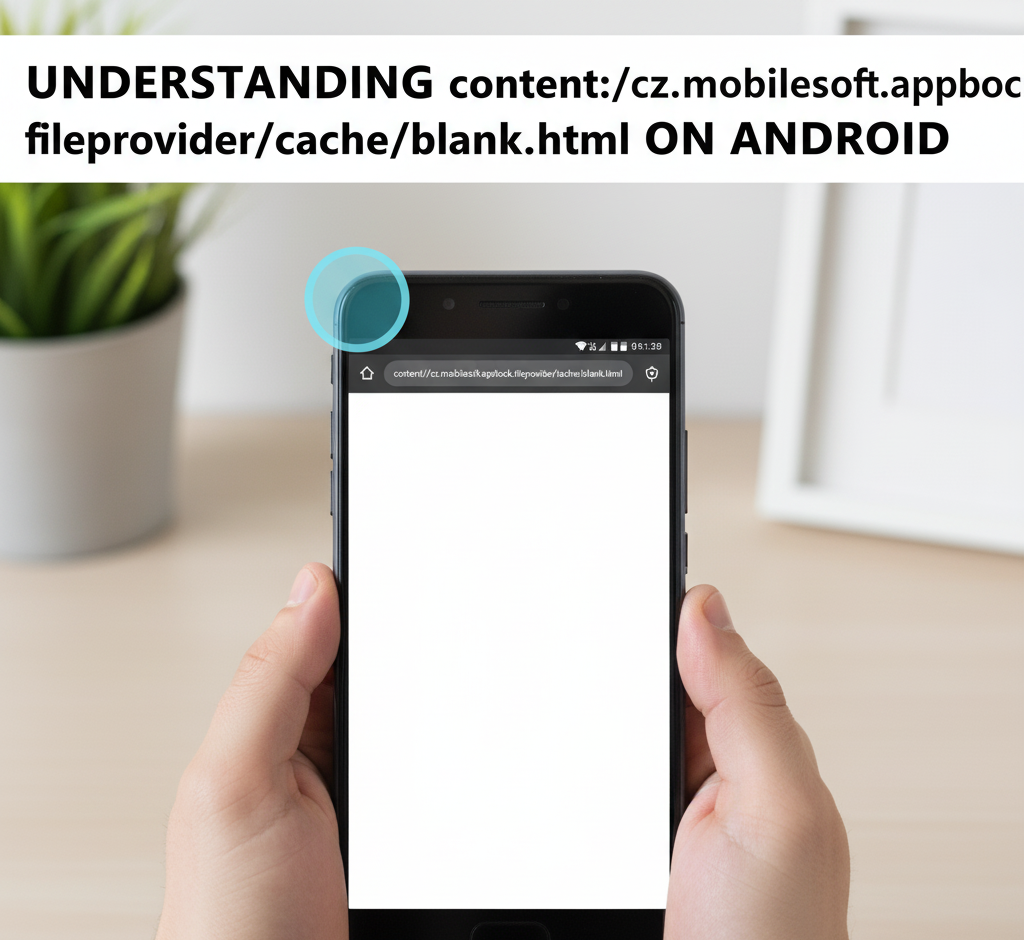
What Android Content URIs Represent?
The beginning portion—content://—serves a specific function. Android employs this prefix for Content URIs. These addresses enable applications to exchange information securely.
Unlike traditional file locations, Content URIs hide actual storage paths. This approach protects user privacy. Apps cannot access each other’s data without proper authorization.
URI Structure Breakdown
Let’s examine each segment of content://cz.mobilesoft.appblock.fileprovider/cache/blank.html:
| Component | Purpose |
| content:// | Protocol for secure data access |
| cz.mobilesoft.appblock | AppBlock application identifier |
| fileprovider | Secure file-sharing component |
| /cache/ | Temporary storage location |
| blank.html | Placeholder webpage document |
Each element serves a distinct purpose. Together, they create a secure pathway for accessing temporary files.
AppBlock’s Blocking Function
MobileSoft developed AppBlock as a productivity tool. Users block distracting websites during work hours. When someone attempts visiting blocked sites, AppBlock intercepts the request.
The application displays content://cz.mobilesoft.appblock.fileprovider/cache/blank.html instead. This temporary document prevents distraction while maintaining browser functionality.
Why Empty Pages Matter?
The blank document fulfills several objectives:
- Seamless experience: Browsers display empty pages rather than error screens. Users remain focused without technical interruptions.
- Enhanced security: Local files eliminate external connections. No browsing information leaves your device.
- Immediate response: Cached documents load instantly. Restrictions activate without delays.
- Gentle reminders: Some versions include brief messages. Users receive friendly notifications about active blocks.
FileProvider Security Framework
Android introduced FileProvider for safer file handling. Previous versions used direct file paths. This method created security vulnerabilities. FileProvider wraps documents in protective URIs. Only authorized processes access specific files.
For content://cz.mobilesoft.appblock.fileprovider/cache/blank.html, this component guarantees controlled access. Your browser receives temporary permission. Other applications cannot view AppBlock’s internal data. This architecture exemplifies modern security standards.
Common Occurrence Scenarios
This address appears when:
- Clicking restricted links during active sessions
- Browsers attempting to load prohibited content
- Reviewing device logs or cached information
- Inspecting developer settings
Seeing this path confirms proper blocking. Your settings function correctly. The address originates from local storage, not internet sources.
Privacy Protection Benefits
Several security advantages exist:
| Security Feature | Benefit |
| Local storage | No external server communication |
| App sandboxing | Isolated data environments |
| Permission-based sharing | Controlled file access |
Android’s design prioritizes user protection. Each application operates independently. Cross-app data access requires explicit permissions.
Cache Management Steps
Managing temporary files remains straightforward:
- Navigate to device Settings
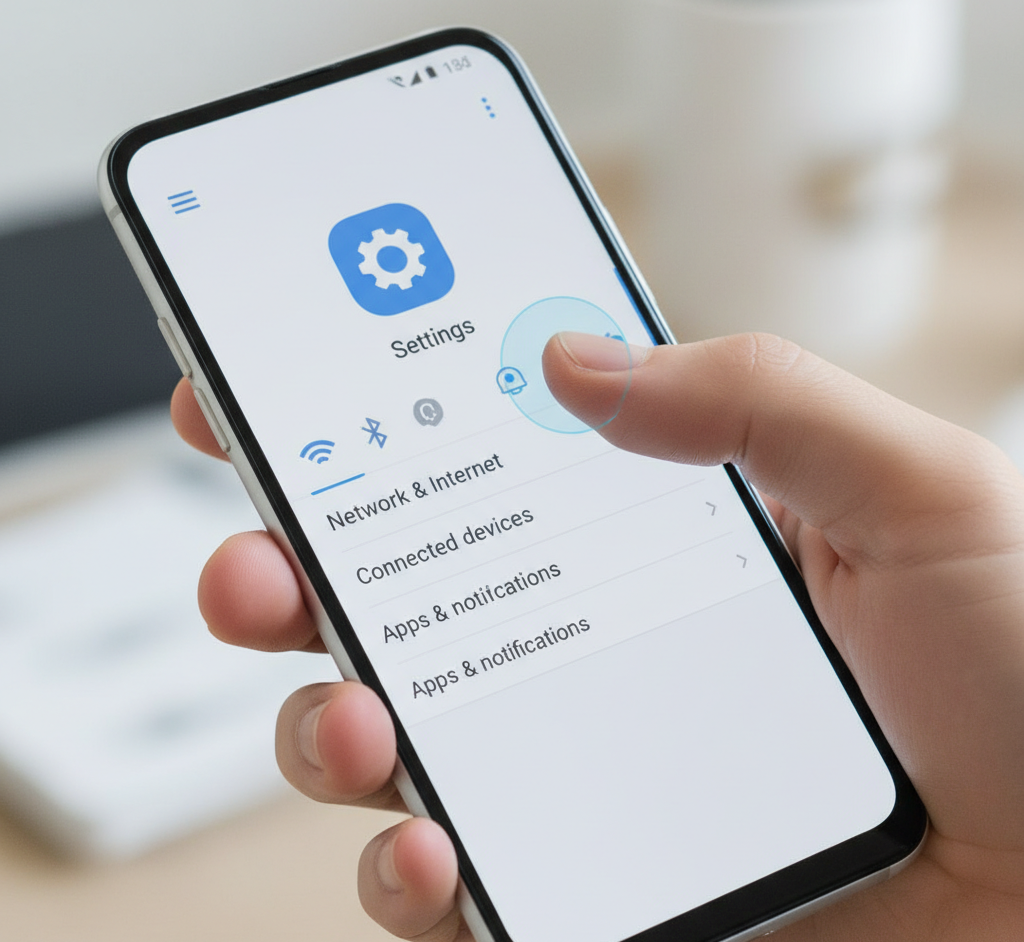
- Select Apps, then AppBlock
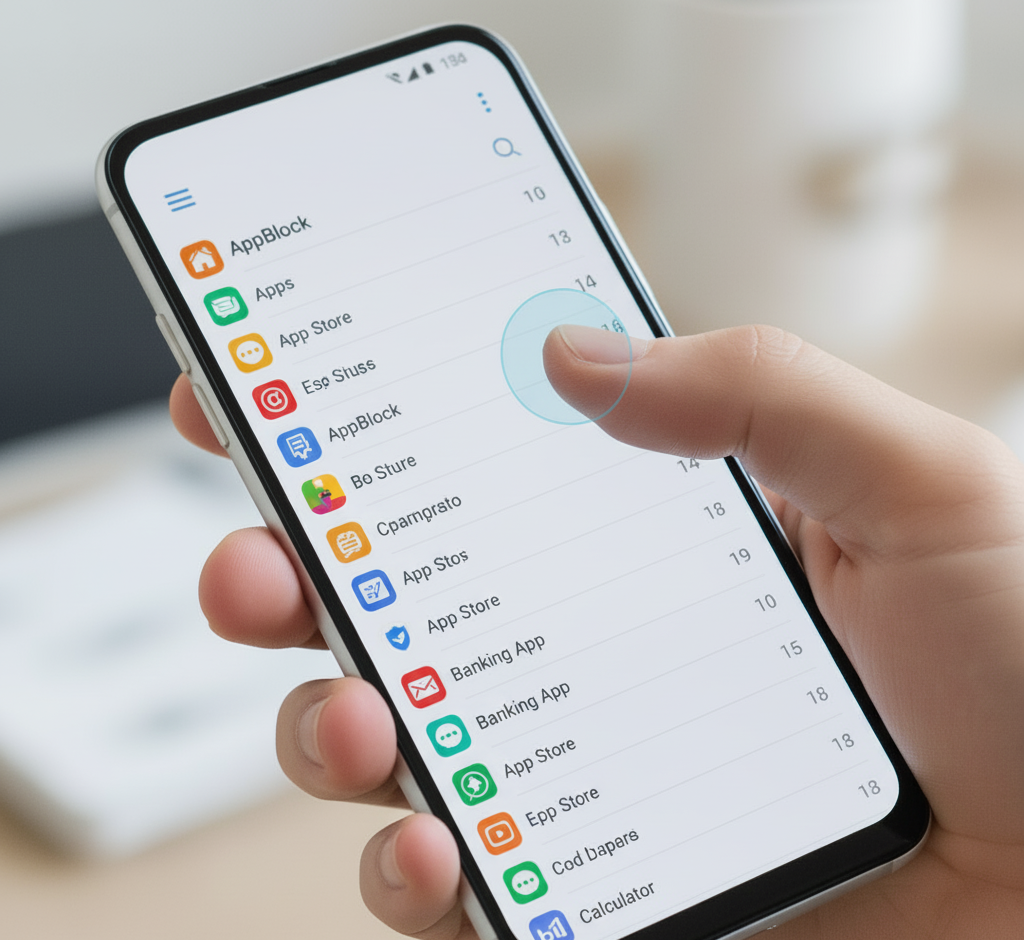
- Choose Storage options
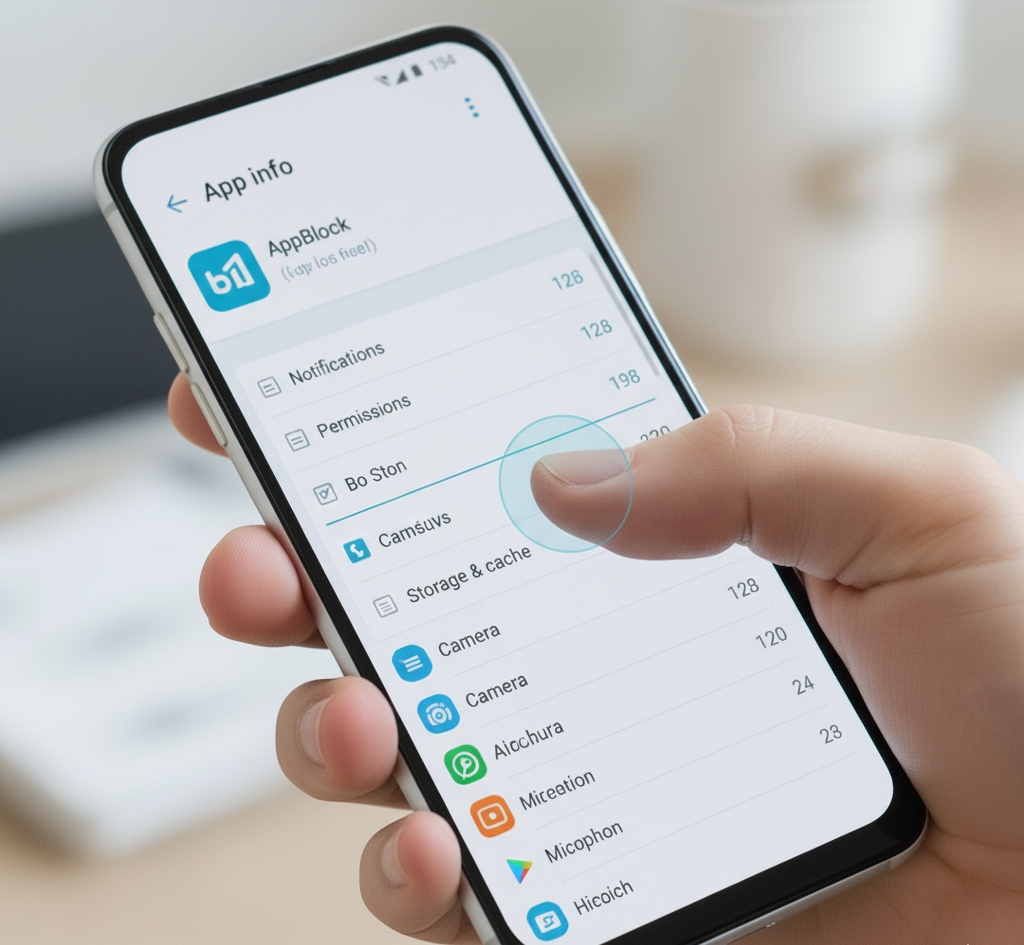
- Click Clear Cache button
- Restart application if needed
Clearing cache removes temporary documents only. Your blocking rules stay intact. This process helps free device space.
Developer Implementation Standards
The structure demonstrates excellent coding practices:
- Content URIs replace direct paths
- Secure file-sharing mechanisms
- Temporary cache storage
- Minimal permission requirements
Developers creating similar applications study this architecture. It provides a blueprint for effective blocking systems.
Digital Wellness Connection
Beyond technical aspects, content://cz.mobilesoft.appblock.fileprovider/cache/blank.html supports healthier device usage. Blocking tools help users maintain concentration. Empty pages serve as digital boundaries. They create space between impulses and actions.
Such mechanisms encourage mindful technology use. Users regain control over attention spans. Productivity increases when distractions decrease.
Final Thoughts
Initially, content://cz.mobilesoft.appblock.fileprovider/cache/blank.html appears cryptic. Actually, it represents thoughtful software design. This simple placeholder protects privacy while enforcing restrictions.
The address combines security protocols with user-friendly functionality. It demonstrates how Android balances access control with seamless experiences.
Understanding these technical elements helps users appreciate their device’s protective mechanisms. Small files can carry significant meaning within digital ecosystems.
