

We use the internet for almost everything these days. We pay bills, study, talk to people, and shop online. It makes life easier, but it also has some risks. Online scams are among the most dangerous threats. Phishing is the most common kind of scam on the internet.
Phishing isn’t new, but it has gotten smarter over time. It was easy to tell that fake emails were fake because they had spelling mistakes or pictures that didn’t make sense. Scammers can now make messages that look like they are real.
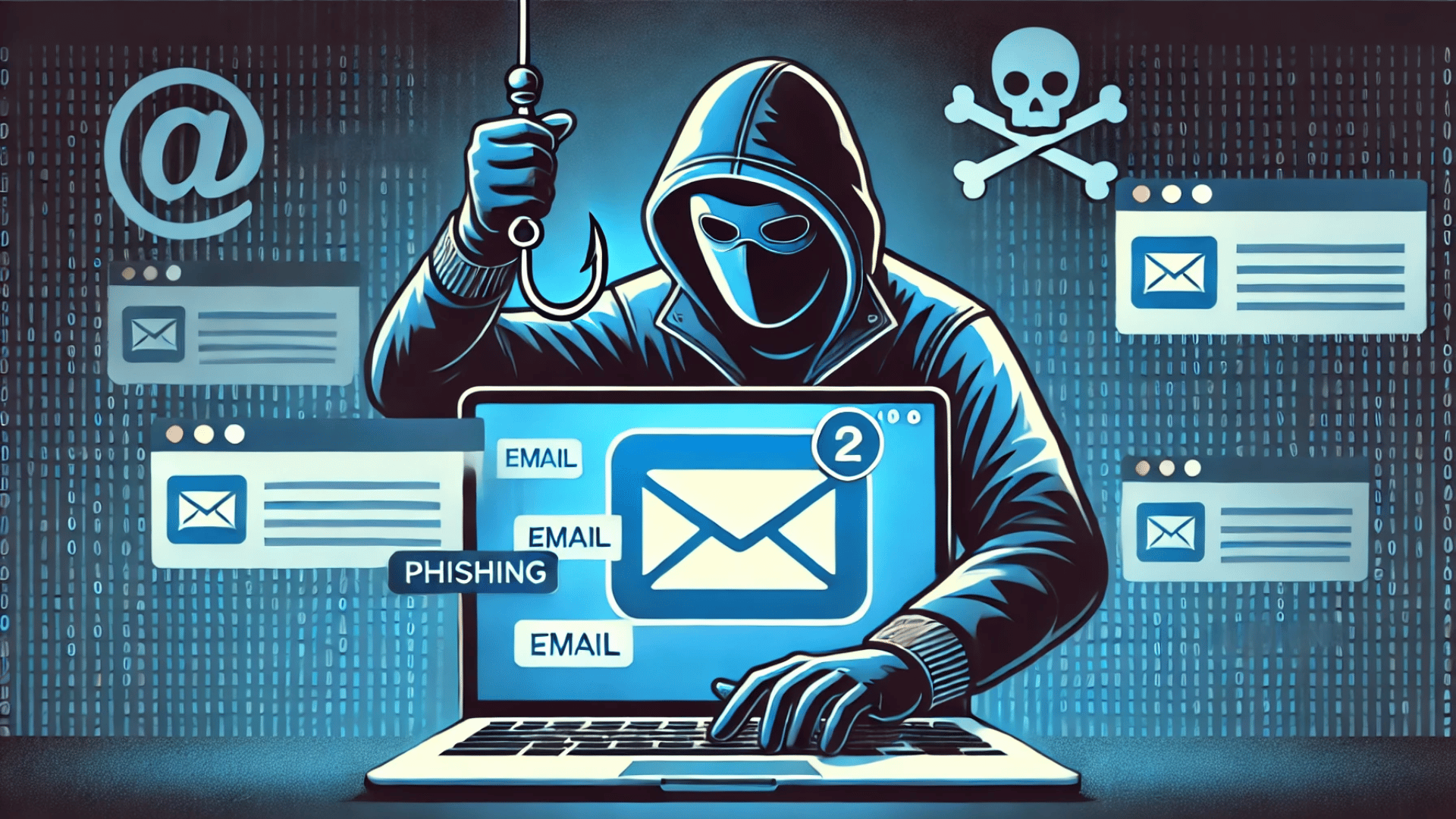
What Is Phishing?
Phishing is when you trick someone into giving you their passwords, bank account numbers, or credit card numbers.
People who are trying to scam you act like people or businesses you can trust. They could send you an email that looks like it came from your bank or an online store you shop at. The message could say that there is a problem with your account and tell you to click a link to fix it.
When you click, it takes you to a fake site that looks like the real one. Scammers use the same design, tone, and logo as real businesses.
Common Scams Used in Modern Phishing
Here are some of the most common ways that scammers trick people:
Phishing by email
Scammers send fake emails that look like they come from well-known companies like Amazon or your bank. The email could say things like “your account is locked” or “you paid the wrong amount.”
Spear Phishing
This kind of phishing is more personal. The scammer looks into you first. They might know your name, where you work, or what your business does. This makes the email look more real and believable.
Smishing and Vishing
Smishing is phishing that happens through text messages. Vishing is the same as voice calls. In both cases, the scammers pretend to be customer service representatives and ask for your personal information.
Phishing with Clones
Scammers copy an email that you really got before. They sent it again, but this time with fake links. It looks like a message that comes after another one, so people believe it easily.
New Phishing Methods and How to Avoid Them
Methods of phishing change over time. Here are some new tricks:
Messages Written by AI
Scammers now use AI tools to write emails that look clean and professional. They look like real people and don’t make any spelling mistakes.
Voices and videos that aren’t real
Some con artists use AI to make fake voices. They might call you and ask for personal information in a voice that sounds like your boss or a family member.
Fake Pages and Extensions for Logging In
Scammers make fake pop-ups or browser extensions that look like real company websites. They take your username and password when you log in.
Phishing through apps at work
Scammers also send fake messages to places like Slack and Teams as more people use them. A lot of people click on these links because they think they are from coworkers.
How to Tell When Someone Is Trying to Phish You?
It’s not always easy to spot a phishing attempt, but these signs can help:
Look at the email address of the sender.
The email ID may have a small change, like support@amaz0n-help.com instead of support@amazon.com, even if the name looks familiar.
Watch out for links.
Before you click on the link, put your mouse over it. Don’t open it if it looks strange or doesn’t match the real website.
Be on the lookout for scary or urgent messages.
Scammers often scare you by saying that your money will be lost or that your account will close soon. Always stay calm and look first.
Find the mistakes.
Some phishing emails still have small mistakes in spelling or grammar. The colors or logo might also look a little different.
A legitimate business will never ask you for your password, one-time password (OTP), or credit card information over email or text.
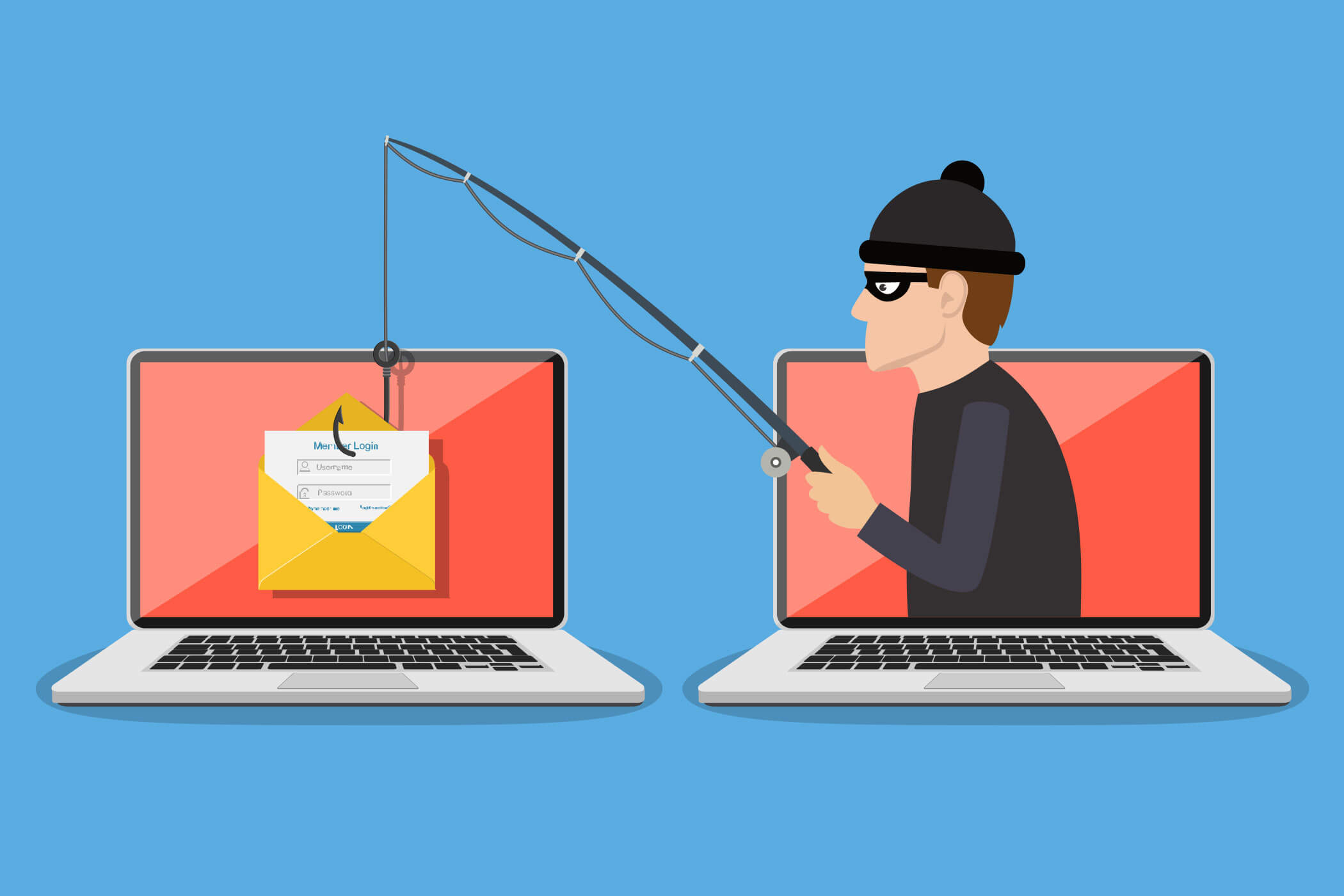
Some Additional Tips to Avoid Phishing
Enabling two-factor authentication.
It is a privacy tool that adds an extra layer of protection before logging in.
Don’t click on links you don’t know.
If you get a message about your account, don’t click on links. Instead, type the website’s address into your browser.
Teach other people.
Tell family, friends, and coworkers what you know so they can stay safe too.
Use antivirus software and spam filters.
These can stop a lot of phishing emails from getting to your inbox.
Final Thoughts
One of the most common and dangerous scams on the internet is phishing. Some scammers are very smart and patient.
They are waiting for you to make a small mistake. You can easily keep yourself safe, though, if you stay alert and careful.
