

Branding starts with unique design elements. Modern design tools provide an opportunity to create branding elements more quickly than ever before.
These can be interesting options for different kinds of users and businesses that want to create their whole brand identity quickly and easily.
Some of the leading tools available in the market are Design.com and Canva. There has been a long debate about which of these tools is better to work with and provides more unique results.
This guide will answer the question by testing both tools and providing a verdict based on the facts that the branding tools provide and our experience.
TL;DR
- This is a guide that tests two leading design tools in order to understand which one is easier to work with and provides more diversity.
- Design.com generated logos instantly, pulled from the largest template library (500K+ logo templates, 1M+ general templates), and delivered high-quality, on-theme results with strong color/gradient variety. It also offers full logo ownership, an AI editor, 750+ fonts, domain registration, and merch printing.
- Canva took a bit longer to generate AI logos, though overall design quality was still high. It provides an all-in-one design suite, cloud-based access, and AI tools powered by ChatGPT/Gemini/Claude.
How Did We Do the Testing?
To conduct the testing of the tools and keep the guide transparent, we paid attention to the same categories while testing the tools.
First of all, we decided that we would try the logo-making capabilities of both tools since a logo is one of the most essential branding elements.
Our goal this time was to create a logo for an astrology brand called “Luna Astrology”. As keywords, we added “astrology logo design.”
During the test, we paid attention to the speed of the logo maker, the diversity of designs it provided, whether the designs were based on the mentioned theme, and the quality of the logo designs.
Now, let’s move on to the actual discovery of the tools, where we will get acquainted with their main capabilities and see them in action.
Overview Chart of the Core Features
| Main Aspects | Design.com | Canva |
| Trustpilot Reviews | 4.7 ⭐ | 4.0 ⭐ |
| AI Integration | Design.com allows customers to use an advanced AI logo generator, AI website builder, AI business cards, AI flyers, AI posters, AI presentations, AI business name generator, AI background remover, and so on, by introducing them to the advanced use of AI technology | Canva’s AI provides tools to easily customize the design, do video generation, automatically translate, and summarize existing designs. You can also connect Canva to your preferred AI tools such as ChatGPT, Google Gemini, and Claude to make the design process easier |
| Templates | Design.com is the leading choice in the matter, offering 500K+ logo templates and more than 1 million general templates | Over 1 million professionally designed templates and graphics |
| Ownership | 100% ownership over your logo design. Provides extended licensing and exclusive use of the logos. | Canva does not claim to give you full ownership, but it protects your rights |
| Ease of Use | A user-friendly interface makes the tool accessible to anyone | Intuitive interface, highly user-friendly platform |
| Design Suite | 50+ design and branding tools that generate logos, business cards, websites, digital business cards, flyers, social media posters, menus, QRs, brochures, animations, presentations, videos, letterheads, etc. | You can create presentations, websites, social media graphics, quizzes, 3D elements, automated captions, videos, and much more with Canva |
| File Types | For downloading logos, you can get:
|
You can access:
|
| Support | 24/7 email and chat support | 24/7 multichannel support |
| Best For | Entrepreneurs, businesses, beginners, small businesses, startups, both professional designers and non-designers | Beginners, small business owners, social media creators and more |
| Does it Have a Free Tier? | Yes, Design.com offers a free tier.
When you download a free logo, it also gives you access to a free website builder, link-in-bio creator, and digital business card maker. You receive access to all 50+ design tools and can create anything that comes to your mind. You need a premium subscription to download designs using the design tools. |
Yes, the platform is free, so you can access the templates and easily download them, |
Top Branding Tools Compared and Tested
Design.com
Design.com is a leading design platform that allows users to create designs of any element that comes to mind. Even if you want something special that has unique coloring and details, you can easily turn it into reality with the help of the customization that the tool offers.
The tool is perfect even for users who do not have any design background since it is easy to work with.
As of 2026, Design.com has a 4.7 rating on Trustpilot along with 3K+ reviews, making it a top platform that many users recommend.
Key Highlights of the Tool
Some of the core advantages that Design.com offers include:
- There are 750+ fonts available, 525+ of which are exclusive ones and this makes the editing even more unique.
- The tool provides advanced AI logo editing, the ability to use a chat interface to request changes, and safe editing.
- There are 62K custom vector shapes for unique design creations.
- Design.com allows users to add logos to a favorites list for later use.
- There is a special voting poll that you can share with your colleagues to decide which design you like better.
- You can easily register a domain name along with the logo.
- You can get the logo printed on cups, mugs, mousepads, and T-shirts and receive free delivery for all the printing.
- For users from different countries, Design.com allows you to switch to the following languages: English, Spanish, French, German, Portuguese, Canadian French, and Brazilian Portuguese.
Testing the Tool
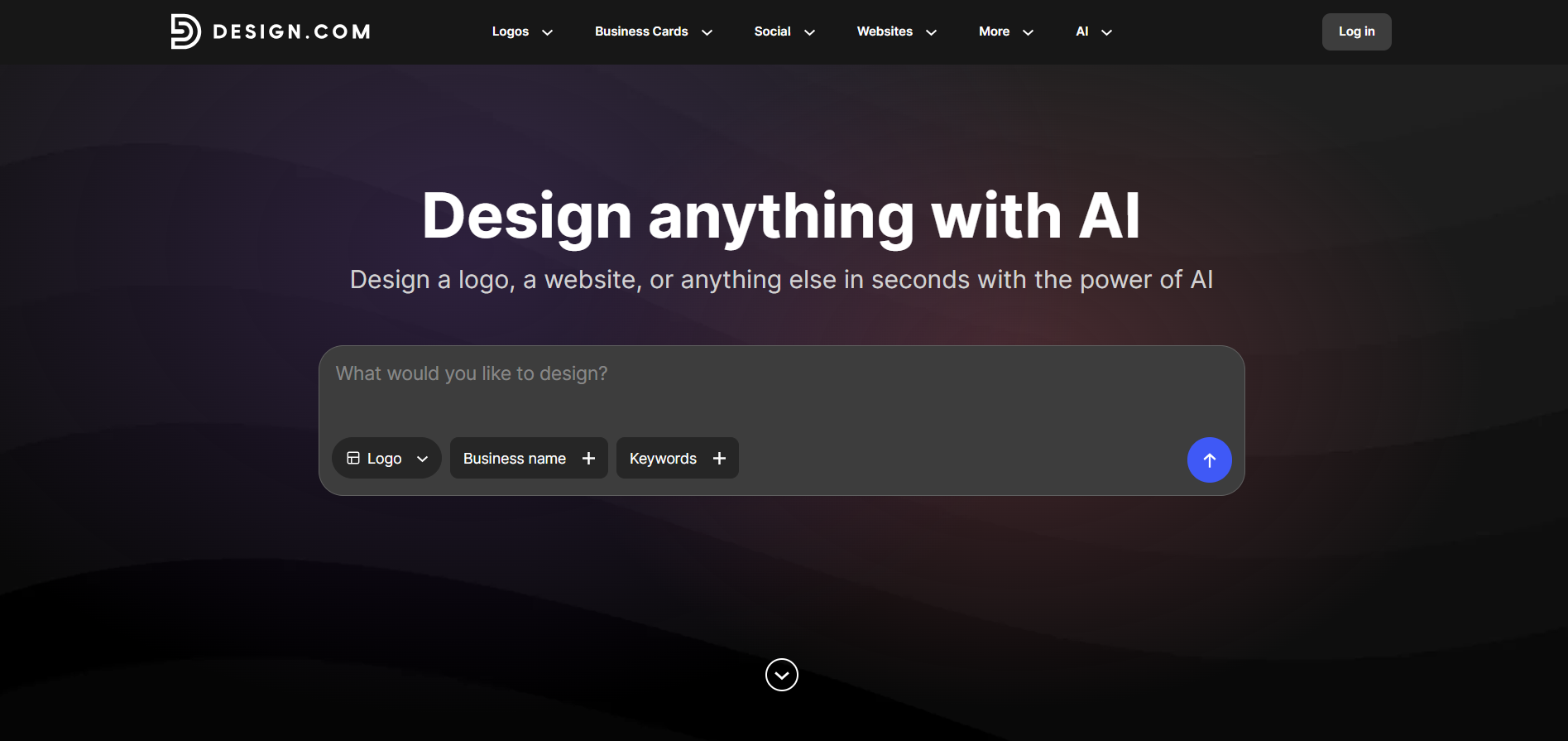
To start creating logos with Design.com, we needed to enter the business name and add the keywords we already had.
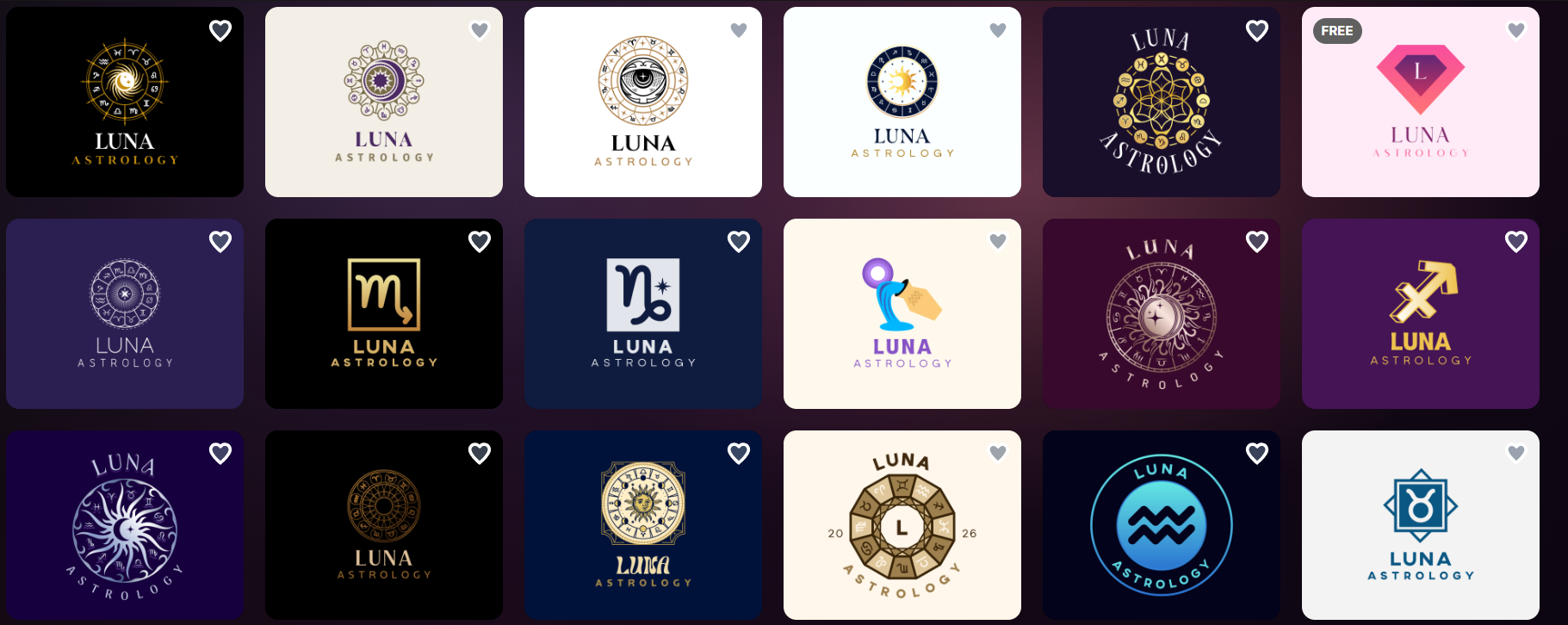
Logo creation was very fast, and a number of logos appeared immediately without making us wait a second longer.
The platform proved the fact of providing the largest template library, since it had hundreds of logos of the same theme that we could choose from.
All of the logos have some details or interesting elements that reminded us of the chosen field.
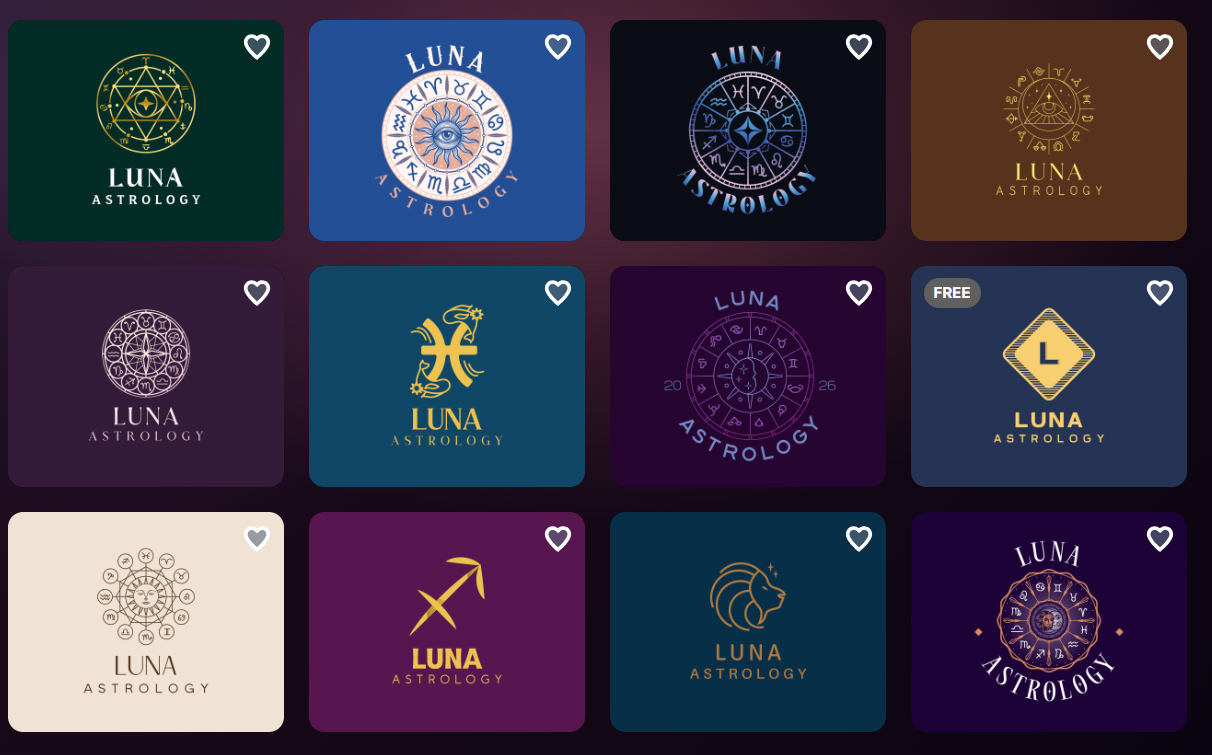
The quality of the logos was also high since the colors were interestingly defined and diverse; they had unique shades and gradients.
All the details were really interesting and will make your logo stand out and instantly stay memorable among clients.
The modern design made us understand that logos were not solely AI-generated, but that professional designers were integrated into the creation process.
It’s time to see what editing options the logo maker provides.
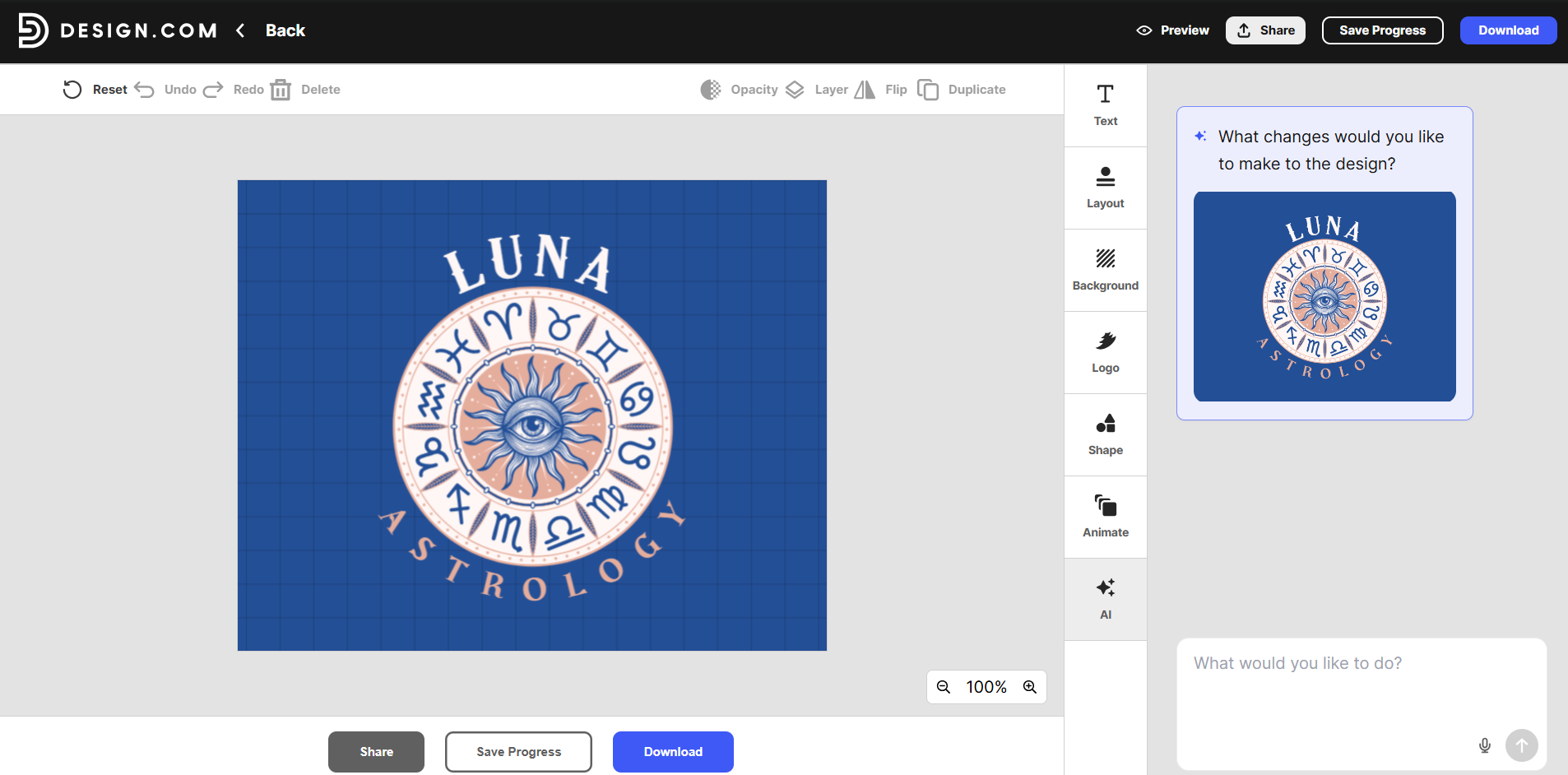
With Design.com, we could change the font, layout, background, color, and shape of the logo. We could even add animation to it to use and make it unique and instantly grab the attention of users.
Another interesting feature was the AI editing feature, where we could describe the unique changes we wanted to make, and AI would make the logo even closer to our desired look.
Our Verdict
During our test, we proved that Design.com is a top tool in terms of its ease of use and high-quality design.
It offered a huge library of designs and advanced AI integration, with the help of which you could make any change easily and in a matter of seconds.
Canva
Canva is an online design tool helping people to create design elements for social media without even needing any design experience. It provides an easy-to-use interface and templates that we can access and use in our designs.
As of 2026, Canva has a 4.0 rating on Trustpilot along with 7K+ reviews, meaning that users consider it a good platform for design.
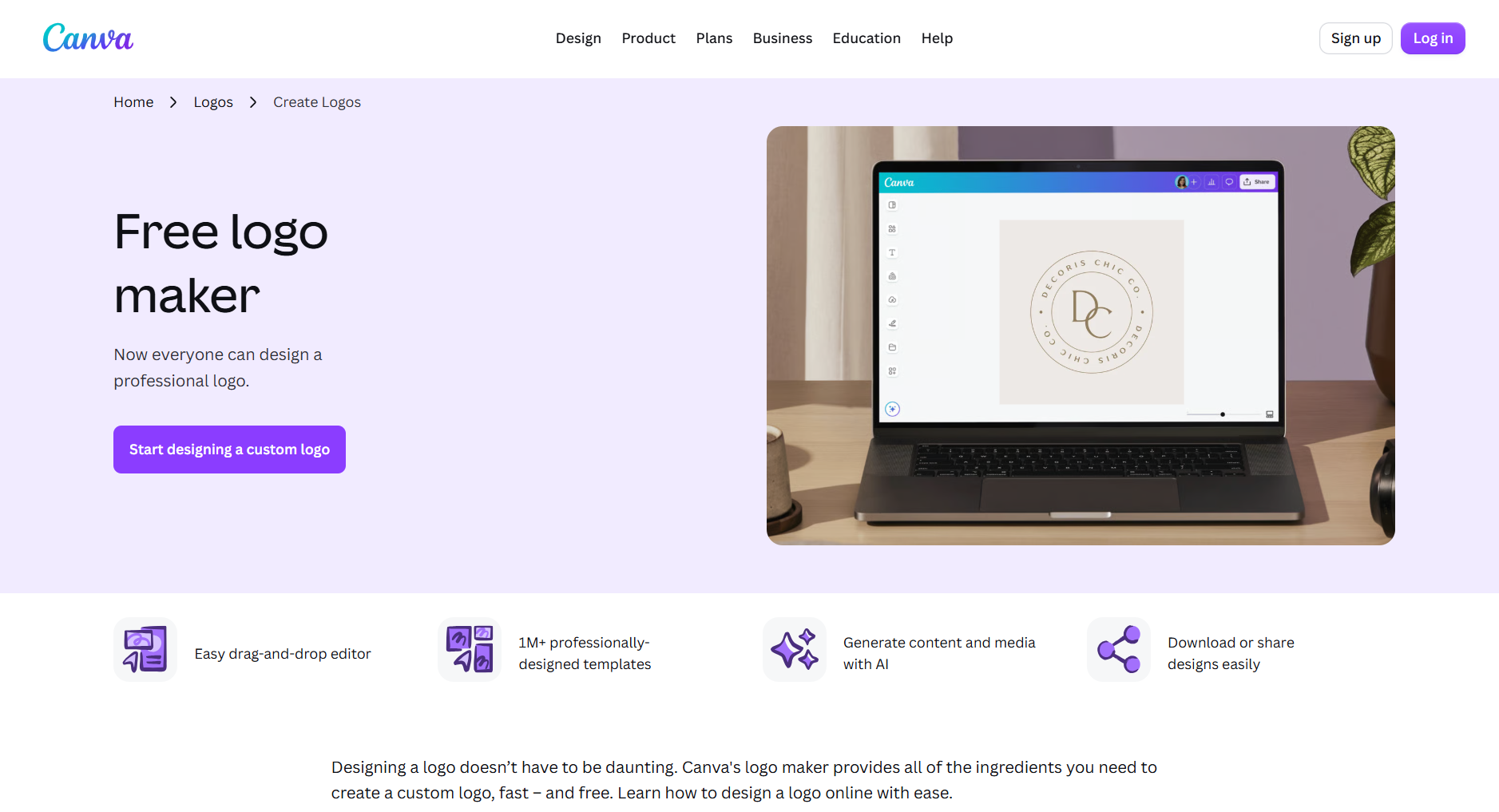
Key Highlights of the Tool
A few of Canva’s main benefits are:
- You can get immediate access to a huge library of photos, graphics, icons, fonts, and audio tracks.
- You can easily generate content and media with the help of AI.
- As Canva runs in the cloud, the work is saved and can be accessed from any device.
- There are different templates for social media and print materials.
- Canva is a great platform for teamwork since you can share the design and multiple people can work on it.
- Advanced customization allows you to edit the logos even without having any design experience.
Testing the Tool
The logo design process with Canva was slightly different.
Here, we could enter a theme or category of logos and access different templates that matched the chosen field and had interesting elements, making the logos memorable.
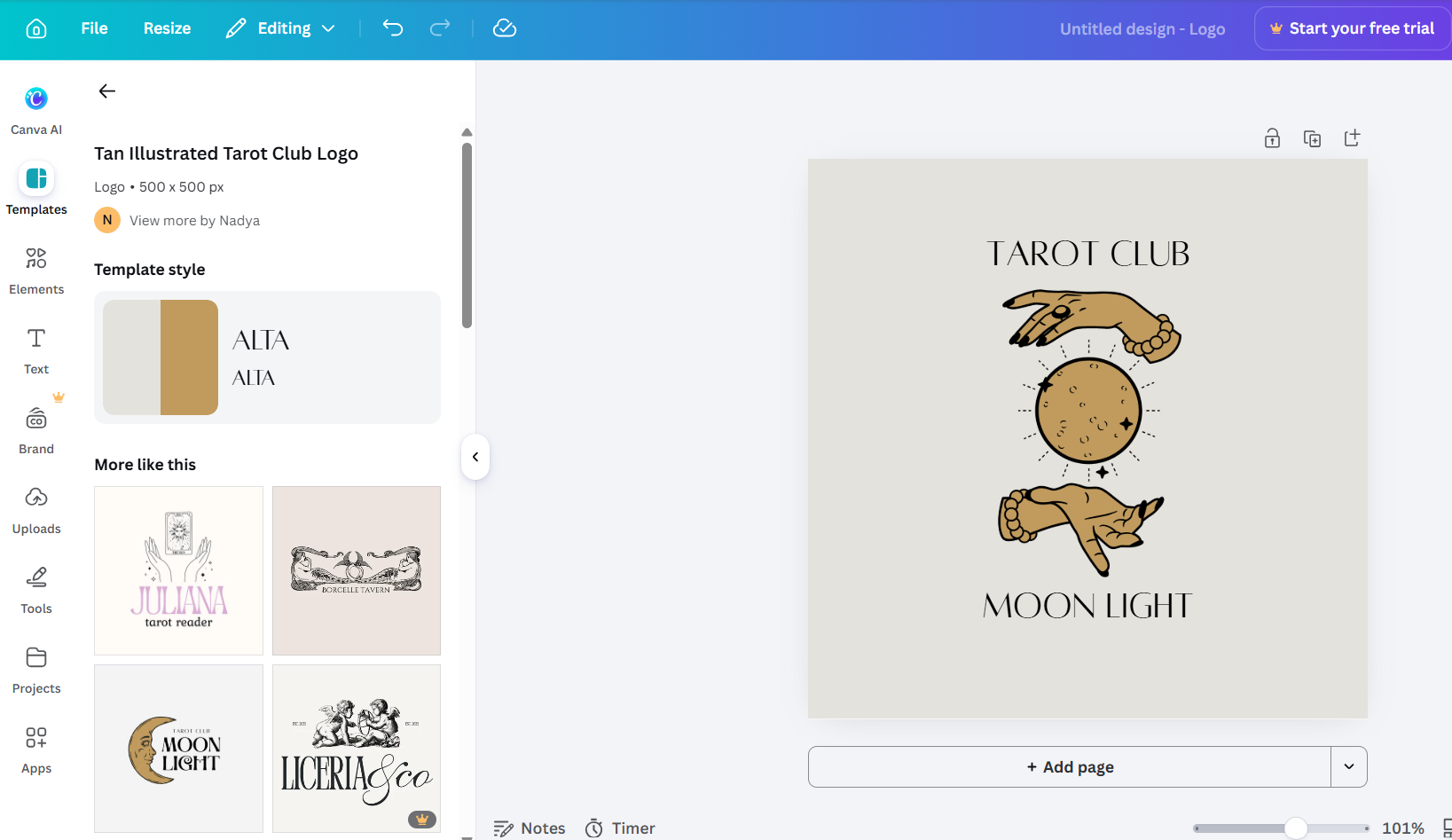
There were different templates, so you could easily choose the one that you preferred.
However, if you wanted to generate a logo with a special brand name, you could use the AI generation mode, and the logo would be ready in a minute. This was slightly longer than Design.com, but the design could also be edited.
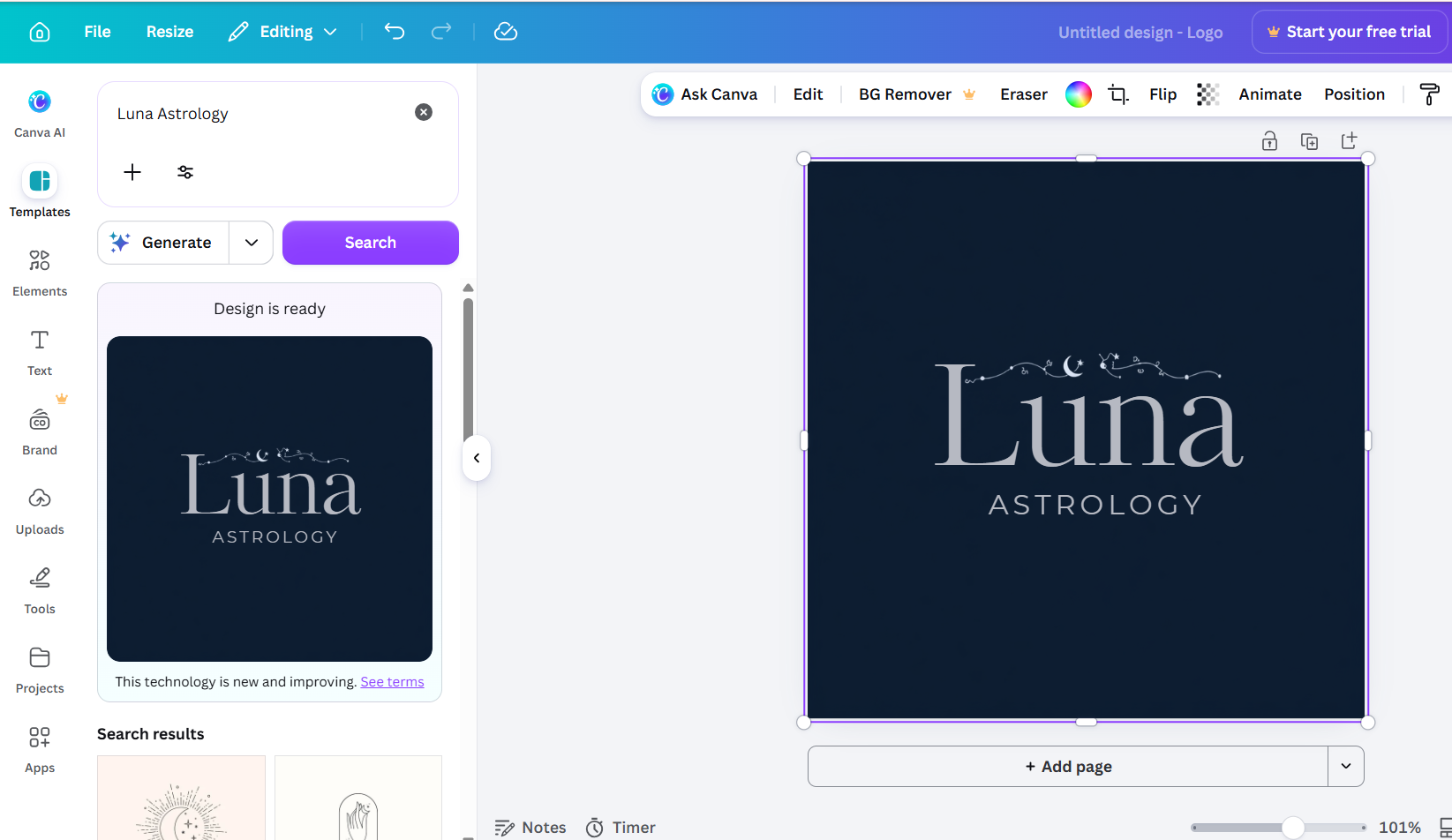
The quality of the logos was high; they had interesting elements that reminded us of the field. However, the specialized logos were limited, and it would take a longer time to achieve the result one would aim for.
Customization was easy and diverse; we could change the layout, size, font, colors of the logo, background, add animation, and even crop it.
Our Verdict
Canva is a user-friendly platform that offers advanced customization options and AI integration. But in terms of achieving personalized results and diversity from the first try, it might take longer.
The Bottom Line
When comparing these two tools, we could understand that design creation has truly become easier and more interesting in 2026.
We can create any design element, post on our social media platforms, and start our unique journey. What’s more, we can customize the design to make it even closer to our final goal.
After testing the two tools, we would recommend starting with Design.com since it was easier to work with and quicker to achieve a result.
But you can conduct your own test and choose a tool that you personally prefer more.
