

A gaming session often extends beyond the game itself. Players may keep a wiki open, watch a guide, talk with friends, follow a stream, compare hardware, or manage several accounts and communities at once. In that setting, the browser becomes part of the gaming setup.
Wave Browser approaches this role with tools intended to reduce tab clutter, simplify multitasking, and connect everyday browsing with verified ocean cleanup. Wave combines practical browsing tools for gamers with a verified environmental initiative.
For gaming audiences, Wave Browser focuses on organizing guides, streams, chats, and other online tools while connecting the broader browsing experience with measurable environmental impact.
What is Wave Browser?
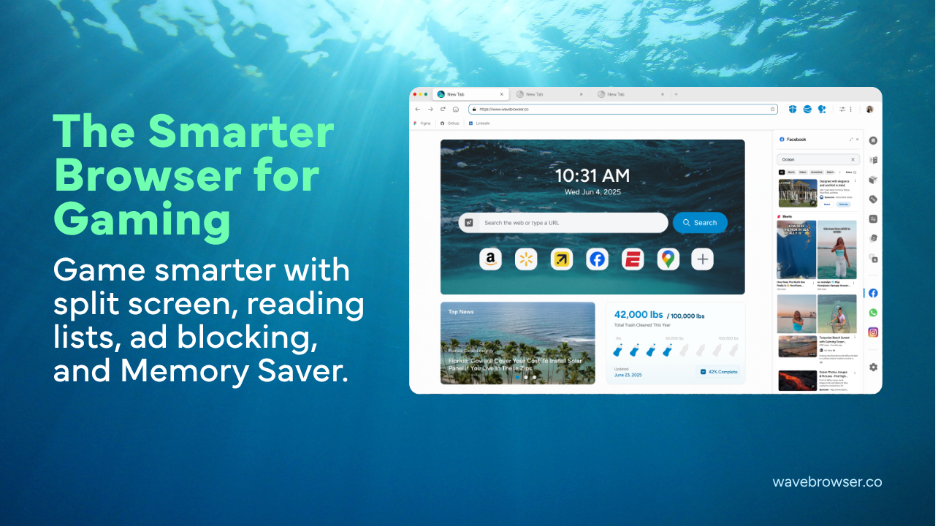
Wave Browser is an eco-friendly web browser that helps turn everyday browsing into verified environmental impact.
Through its partnership with 4ocean, Wave Browser helps fund the removal of plastic and trash from our ocean, rivers, and coastlines while offering features designed to support productivity, organization, and a more efficient browsing experience.
Wave Browser is available for download on Windows, Mac, Android, and iOS.
For gaming, Wave Browser includes built-in tools that can support browser-based games and activities related to native PC gaming, as outlined below.
-
Memory Saver can reduce competition from inactive tabs
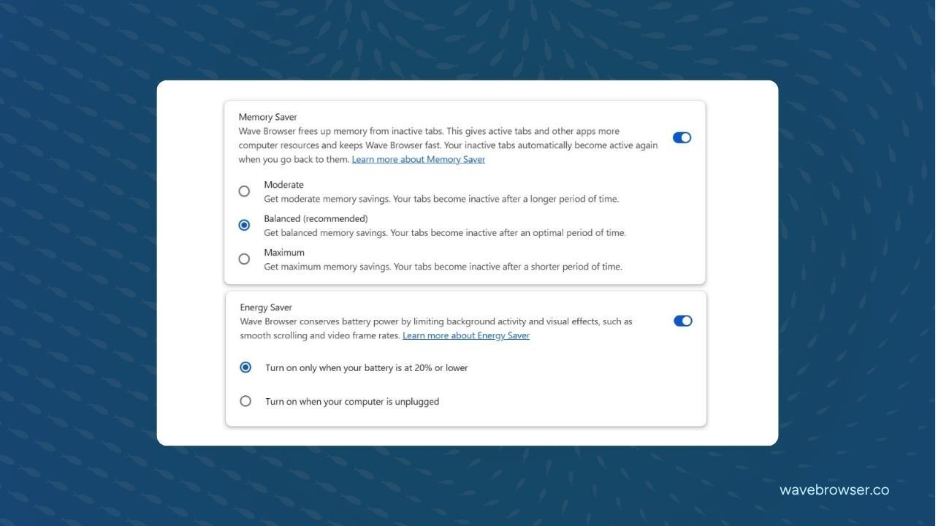
Gaming and heavy multitasking can put pressure on system memory. Wave Browser’s Memory Saver is designed to deactivate eligible inactive tabs, reducing the browser’s memory footprint so active tabs and other applications have more room to operate.
This may be useful when a player has accumulated guides, storefronts, patch notes, video pages, and community forums during a session.
The benefit should be understood as resource management, not a guaranteed frame-rate increase. Active audio, video, downloads, calls, notifications, connected devices, and partially completed forms can prevent some tabs from being deactivated.
Players can enable Memory Saver under the browser’s Performance settings and judge the effect on their own hardware and workload.
-
Split Screen keeps two browser tasks visible
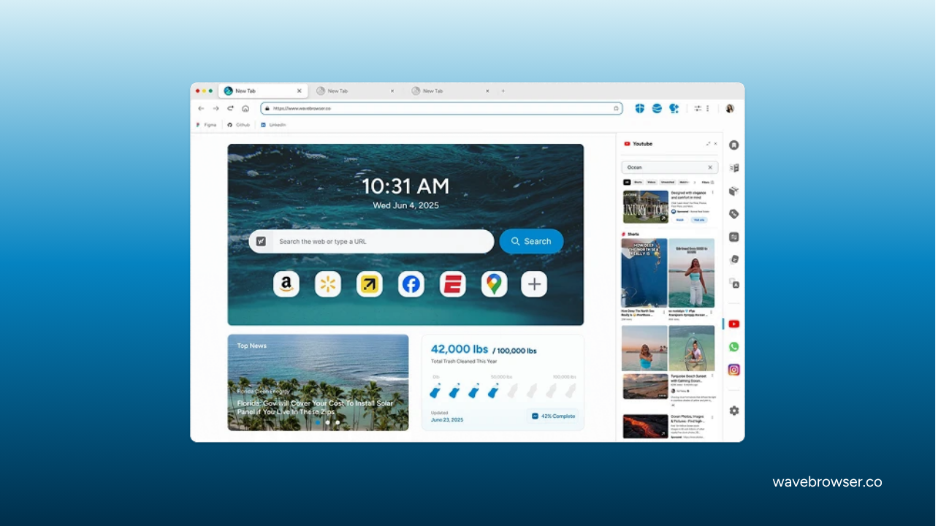
Split Screen can place two web pages side by side in one browser window.
For browser-based gaming, that could mean keeping the game visible beside a walkthrough, map, build calculator, or chat. For players using native games, the same layout can help before or between matches, such as comparing loadouts while watching a tutorial or checking event details alongside a community page.
This is primarily an organization benefit. Whether it suits live play depends on screen size, the game’s display mode, and the amount of attention each page requires.
-
Sidebar shortcuts reduce tab switching
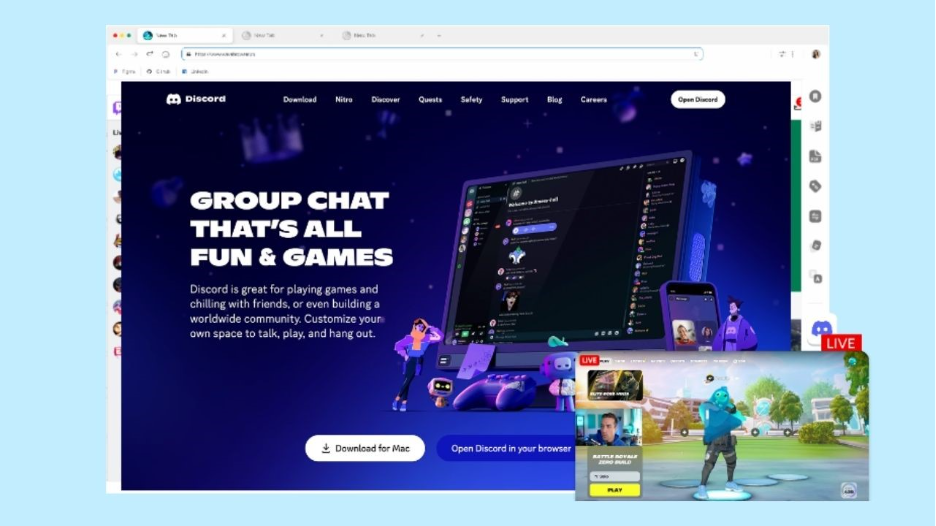
Wave Browser allows commonly used services to be pinned to its sidebar. Quick access to platforms such as Discord, Twitch, and YouTube can make it easier to move between communication, streams, clips, and reference material without searching through a crowded tab bar.
The value is less about adding new gaming services and more about keeping familiar ones within reach.
-
Ad blocking can make supporting pages less distracting
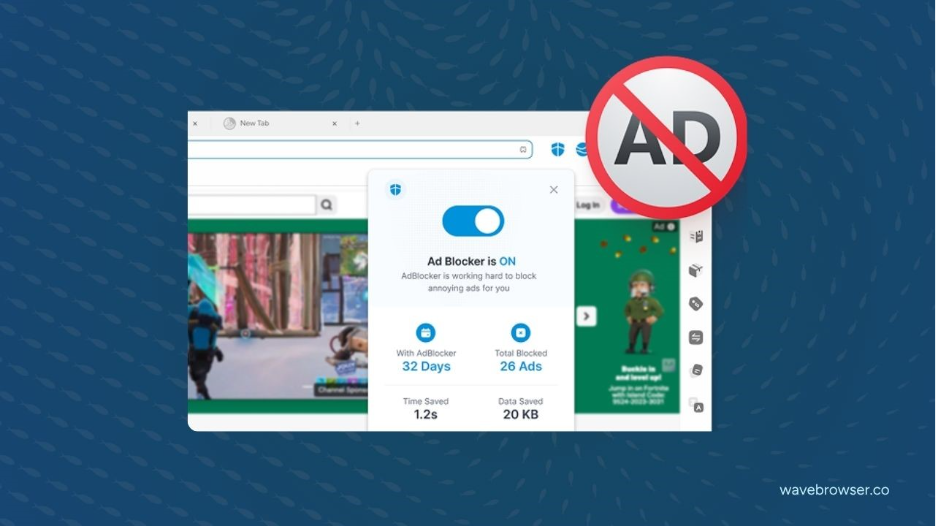
The built-in ad blocker is designed to stop intrusive ads, pop-ups, and tracking scripts from loading on visited pages. On gaming news sites, wikis, guide pages, and community resources, this can reduce visual interruptions and may lower the amount of page content that consumes bandwidth, CPU, and memory.
Some websites depend on advertising or may not function as intended when blocking is enabled. Players who want to support a particular creator or fix a page feature can allow ads on selected sites.
-
Translation helps with international gaming information
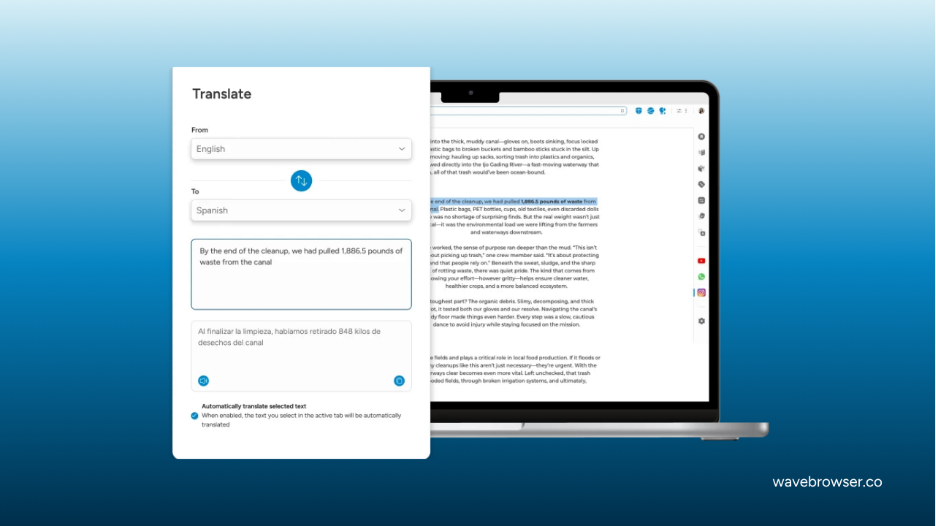
Gaming communities are global, and useful information is not always published in a player’s preferred language. Wave Browser’s built-in translation tool can translate web pages, which may help with overseas patch notes, tournament coverage, forum discussions, or community-created guides.
Machine translation can miss slang and game-specific terminology, so important competitive or account information is worth checking against an official source.
Where the gaming benefits are most relevant?
Wave Browser’s tools are most relevant to players who use the web as a companion to play.
Browser-game players may benefit directly from Memory Saver and Split Screen. Stream viewers, community members, and players researching strategies may get more value from sidebar shortcuts, ad blocking, and translation. On lower-memory systems, careful tab management may be especially noticeable, although results will vary by device and by the other software running at the same time.
Browse, Play, and Make a Positive Impact
The good news is that Wave integrates its environmental purpose into the everyday browsing experience, so users can support verified cleanup efforts while gaming and browsing normally.
Through its certified cleanup partnership with 4ocean, Wave helps fund the removal of plastic and trash from oceans, rivers, and coastlines. Users can follow the reported progress through the browser’s live impact tracker and monthly impact updates published on Wave’s blog.
The collaboration is committed to removing 300,000 pounds of trash by 2028.
Trust and safety: third-party evaluation
Wave Browser is certified by AppEsteem, a third-party software certification organization that evaluates apps against Application Certification Requirements covering areas such as consumer disclosures, software behavior, installation practices, security, and transparency.
AppEsteem’s public certification listing provides an independent reference point for Wave Browser’s certification status. Certification should not be interpreted as a guarantee of complete privacy or protection from every online risk.
Wave Browser user recognition in 2026
Wave Browser has earned the SourceForge Leader Award for three consecutive seasons (Winter, Spring, and Summer 2026) based on outstanding customer reviews.
The Summer 2026 recognition placed Wave Browser among the top 5% of more than 100,000 reviewed software products on SourceForge in the Web Browsers and Eco-Friendly Web Browsers categories, demonstrating consistently positive user feedback over time.
A practical assessment of Wave Browser for gaming
A strong gaming setup is not defined by hardware alone. The right supporting tools can make it easier to manage guides, streams, chats, downloads, and other resources surrounding each gaming session.
Although a browser cannot replace capable gaming hardware or improve a game beyond its technical limits, it can contribute to a more organized, efficient, and convenient gaming experience.
Wave Browser’s value for gamers lies in its practical supporting tools. Its built-in features help users manage gaming-related activities, while its partnership with 4ocean enables them to support verified cleanup efforts as they play and browse normally.
For gamers seeking practical browser tools alongside an environmental initiative, Wave Browser offers both within the wider gaming setup.
