

You might think your passwords are safe. You might even feel a little smug about that clever combination of your dog’s name, your birth year, and an exclamation mark.
Here’s the cold truth: the data shows that almost none of us are in the clear. Passwords are compromised at a staggering scale—not someday, but right now, in the background of every login.
According to Cloudflare, 41% of successful logins involve compromised passwords, based on Cloudflare’s analysis of traffic between September and November 2024. Meanwhile, Huntress estimates that 24 billion credentials are exposed each year.
Those numbers aren’t just noise; they represent a reality in which most passwords are already cracked, sold, or floating around the dark web.
It’s not your fault, exactly—it’s the result of three overlapping failures: how we create passwords, how we reuse them, and how we store them. The fix isn’t a single trick; it’s a stack. And it’s completely doable today.
If you’re thinking, “But I use a strong password,” you’re not alone. The problem is that “strong,” as most people define it, barely registers on the scale of what attackers can do now.
The Verizon 2025 Data Breach Investigations Report found that only 3% of compromised passwords met even basic complexity requirements. And what about the classics?
NordPass identified the top 10 most common passwords—123456, 123456789, 12345678, password, qwerty123, qwerty1, 111111, 12345, secret, 123123—and every single one can be cracked in under one second. It’s not just the lazy picks, though.
Kaspersky analyzed 193 million real‑world passwords from the dark web in 2024 and discovered that 59% could be cracked in less than an hour using smart‑guessing algorithms on a modern GPU.
Layer 1: Weak Password Creation — Why Your “Strong” Password Isn’t
The sheer speed of these attacks is shocking, but the future looks even grimmer. Hive Systems published cracking‑time estimates for a 12‑GPU RTX 5090 bcrypt rig in 2025. An eight‑character, lowercase‑only password? About three weeks.
Add uppercase, numbers, and symbols, and you’re looking at roughly 165 years—still vulnerable over the long haul, especially when you consider that AI‑grade hardware can accelerate cracking speeds by approximately 1.8 billion percent compared to consumer machines.
That’s a number that makes any eight‑character password feel like leaving your front door wide open.
Thankfully, the guidance is shifting. The latest NIST standards (2025) now recommend a 15‑character minimum length, explicitly forbid forced composition rules like “must include a symbol,” and eliminate periodic password rotation unless a compromise is known.
The takeaway is crystal clear: length matters far more than complexity, and yet most people still cling to short, easy‑to‑type strings.
[For a step‑by‑step look at turning that insight into action, practical steps for stronger online passwords can walk you through the basics.]
Layer 2: Password Reuse — One Leak, Many Doors Open
Creating a weak password is one thing. The real catastrophe unfolds when that same weak password opens the door to dozens of accounts. Credential stuffing—the attacker’s practice of taking leaked login pairs and spraying them across other sites—turns a single breach into a cascade of compromises.
Cybernews analyzed over 19 billion passwords leaked in a single year and found that 94% were reused or duplicated. Only 6% were genuinely unique. Huntress reports that 23% of people reuse a password across three or four accounts, and 30% of those who’ve been hacked say reuse directly caused the theft.
The disconnect between awareness and action is staggering. Across basic web applications, Verizon reports that stolen credentials drove 22% of breaches.
The attack playbook is ruthlessly efficient. On WordPress sites, 41% of those attempts succeed. The human side of the equation makes it even worse. Breach victims are completely unaware that their credentials have been exposed.
Reusing passwords multiplies the damage of weak passwords exponentially. A “strong” password used everywhere is just one data leak away from being worthless.
Layer 3: Insecure Storage — Where Passwords Go to Die (or Get Stolen)
If weak creation and rampant reuse are the first two layers of failure, insecure storage is the final nail in the coffin. The habits people rely on to “manage” their passwords are often the very things that hand them over to attackers.
Huntress found that 38% of people write their passwords down, 35% rely on memory, and 51% of Americans now memorize their passwords—a 10‑point jump from prior years—while 34% save them to a browser. Only 13% use a random password generator, and 63% change passwords only when forced.
This loose approach is why infostealers—malware designed to vacuum up credentials from browsers, notes apps, and text files—have become so devastating. Verizon reports that 22% of breaches involved compromised credentials, down from 31% the prior period.
The three failures don’t operate in isolation—they feed each other. Now, let’s talk about the stack that breaks the cycle.
The 3‑Layer Fix That Actually Works
The solution isn’t a single product or a lone habit. It’s a three‑layer fix that addresses each failure point directly, and the good news is that the tools are largely free.
Fix Layer 1 — Strong Passwords Without the Pain
Stop trying to be creative. Human imagination is painfully predictable—Kaspersky found that 57% of breached passwords contain a dictionary word or a common symbol combination. Instead, use a dedicated password generator and set it to 15 or more random characters, in line with NIST guidelines.
When memorability matters, a passphrase generator can create something like “Sloppily8-Rosy3-Unlocking8-Angelic4,” which is far harder to crack than it looks.
For example, Proton’s password generator helps you generate credentials that have never been used before, making your accounts crack-proof.
Fix Layer 2 — True Uniqueness Workflow
Every account you own needs a password that exists nowhere else. That’s overwhelming without help, which is exactly why password managers exist. Yet adoption remains low—only 36% of US adults use one, though Security.org notes those who do are nearly half as likely to experience identity theft.
Browser‑based managers are better than nothing, but a standalone encrypted vault offers more robust security and works across every device and platform you use.
If you’re managing credentials for a team, provide a solid foundation for shared security.
Fix Layer 3 — Secure Storage + MFA
A dedicated password manager stores your credentials encrypted, often with a zero‑knowledge architecture that means even the provider can’t read your vault.
Complement your password manager with multi‑factor authentication on every account, ideally using an authenticator app or a hardware key rather than SMS.
Then, regularly check for breaches; a manager with built‑in dark‑web monitoring can automate that, too.
The new hygiene loop is refreshingly simple: generate a unique 15‑plus‑character password for every account, store them all in a secure vault protected by a strong master password and 2FA, decouple your real email address with aliases, and turn on MFA everywhere it’s available.
Caveats & Counterpoints
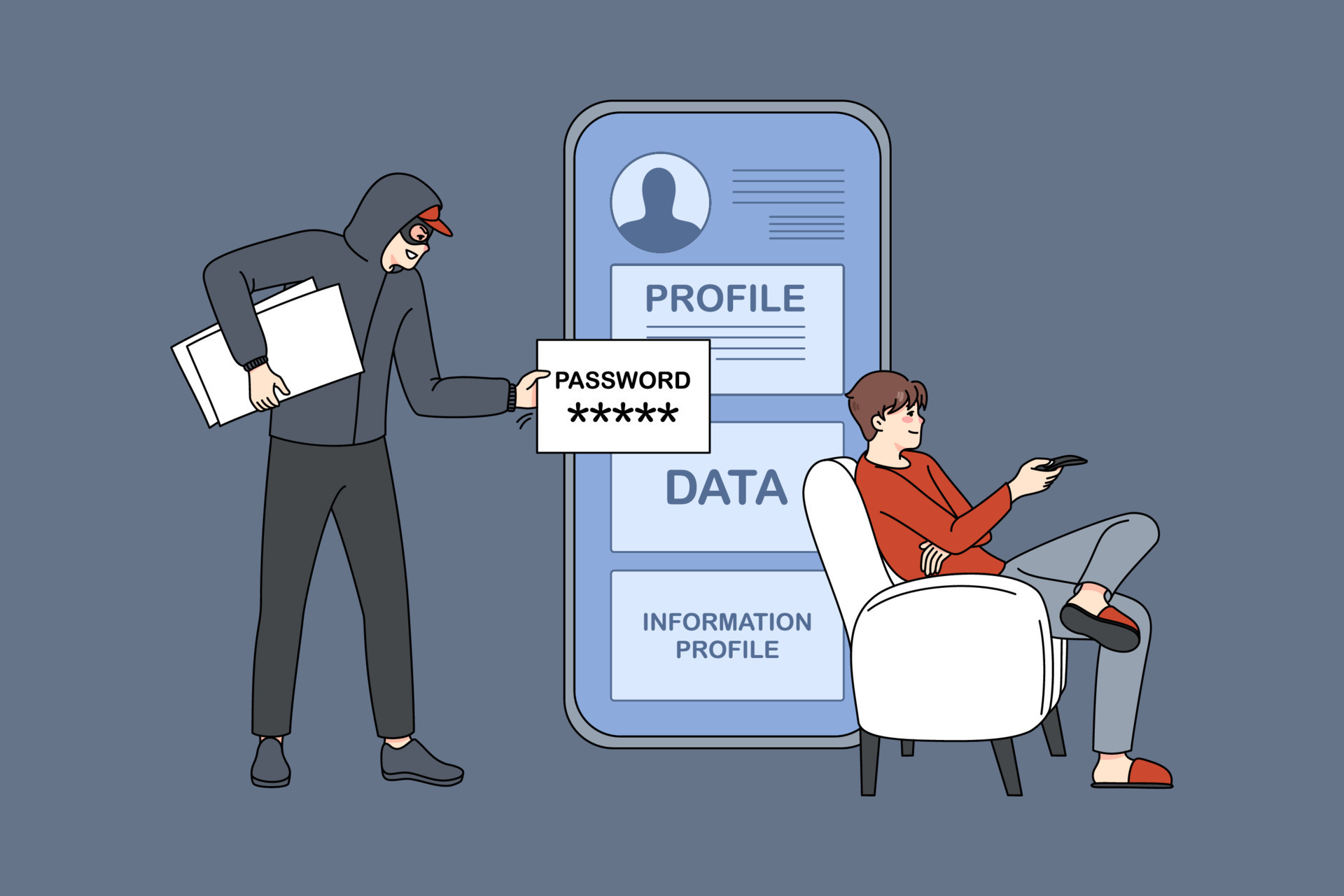
No stack is flawless, and this one is only as strong as its weakest link. The master password for your vault becomes a single point of failure—if it’s guessed or phished, everything else falls.
Zero‑knowledge architectures minimize the damage from a potential server‑side breach, but zero‑day vulnerabilities on your own device could still expose data.
Real‑world friction matters, too: if autofill reliability issues tempt you to disable the manager and drop back into bad habits, the whole stack collapses.
MFA isn’t a silver bullet either—SMS‑based codes are susceptible to SIM‑swapping, and constant approval prompts can lead to fatigue.
Behavioral economics also looms large: cost can be a barrier, too. While free managers dramatically lower the barrier, advanced monitoring and hardware keys often require a subscription.
Finally, the framework assumes a baseline of tech literacy; tools without education won’t fix the problem.
Conclusion
Passwords are already compromised for most people because we keep repeating the same three mistakes: we create weak, predictable strings; we reuse them everywhere; and we store them in ways that make theft trivial.
The fix isn’t a magic pill—it’s a stack you can build today with freely available tools. Start with one layer. Generate a unique, 15‑plus‑character password for your email account right now, and turn on multi‑factor authentication.
Then pick a password manager and to run a breach check, and methodically work through the three‑layer stack.
