

If you’ve landed on a page like this one searching for your router’s admin login, you already know the drill. Type 192.168.1.1 into your browser. Enter admin. Change the default password before some script kiddie finds it first. That habit alone puts you ahead of most people.
But here’s what should worry you more. Researchers at CERT Polska recently disclosed a chain of vulnerabilities in MikroTik’s RouterOS that let attackers hijack devices over SSH without needing a password at all.
Six separate flaws, all exploitable if the device is exposed to the internet. No login screen to bypass. No credential to guess. The door was just open.
That story matters beyond MikroTik owners. It’s a reminder that the login screen you’re staring at right now, whether it’s your router, your bank, or your favorite streaming service, is only as strong as the weakest link behind it. Fix the router. Then keep going. Because the router was never the whole problem. It was just the first one you noticed.
Beyond the Router: Auditing Accounts That Hold Your Money
Once you’ve locked down the router, the next question is uncomfortable: what else have you left unguarded? Most people treat financial and entertainment accounts like an afterthought compared to “real” security concerns. That’s backwards.
A streaming account with a saved card attached is a softer target than most home networks, precisely because nobody thinks to check it.
The accounts worth auditing first are the ones storing a payment method you’d forget about if it got drained. Subscription services. Gaming platforms. Anything with autofill enabled on a shared device. These aren’t hypothetical risks.
Verizon’s 2025 Data Breach Investigations Report found a sharp rise in breaches originating through third-party credential exposure, meaning the weak point often isn’t the platform itself but a password you reused somewhere else years ago.
Licensing and verification standards matter here too, and not just for banks. Regulated platforms that handle real money, including the best California online casinos, publish their licensing details and identity-verification requirements up front precisely because that transparency is what separates a trustworthy operator from one hoping nobody checks.
When you’re vetting any account that touches your card, whether it’s a game platform, a subscription box, or a financial app, ask the same question you’d ask of a bank: can I actually see how they verify who I am and where my money goes? If the answer is buried or missing, that’s your signal to walk away, not your problem to solve later.
Gambling involves financial risk on top of the security risk. Play only what you can afford to lose, and if it stops feeling like entertainment, BeGambleAware.org has resources worth using.
The Password Manager Question You Keep Avoiding
Most people know they should stop reusing passwords. Almost nobody does it. The reason isn’t laziness exactly. It’s friction. Remembering forty unique passwords sounds miserable, so the brain defaults to variations of the same three.
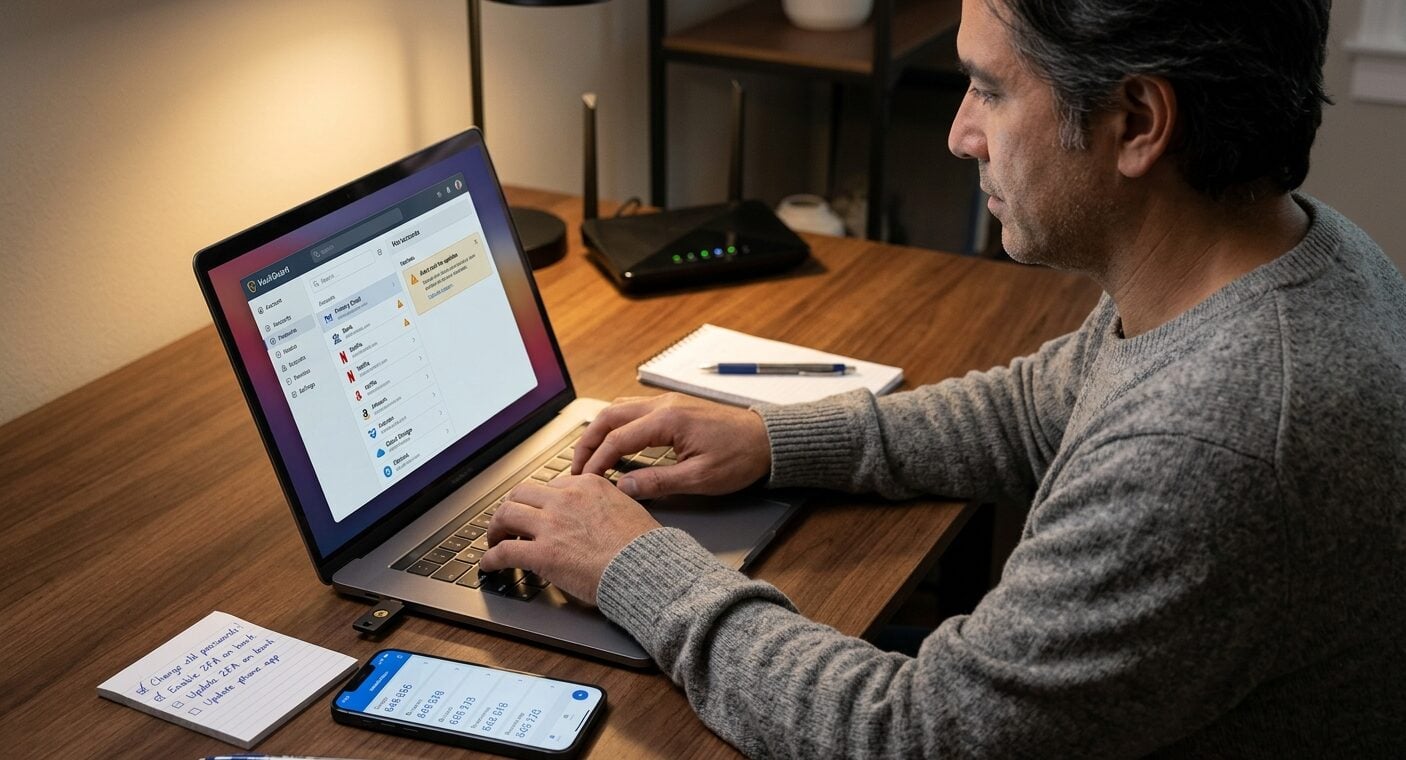
A password manager solves this, and 2026 is a genuinely good year to finally set one up. TechRadar’s independent testing lays out the best password manager options currently available, ranked on criteria that actually matter: breach monitoring, cross-device sync, and how the tool behaves when your phone dies at the worst possible moment.
Tom’s Guide runs a similarly rigorous comparison of the best password managers if you want a second opinion before committing, since the right tool depends partly on which ecosystem you’re already locked into.
Here’s the part people skip. Installing the manager isn’t the finish line. You still have to go back through old accounts and actually replace the weak passwords it flags.
That process takes maybe twenty minutes for someone with a normal digital footprint. Do it in one sitting. Don’t stretch it over a week, because you won’t come back to finish it.
Two-Factor Authentication Isn’t Optional Anymore
A strong password used to be enough. It isn’t now, and the data backs that up bluntly. A recent academic analysis published on arXiv examining real-world two-factor authentication systems found that even flawed 2FA implementations meaningfully reduce account takeover rates compared to password-only logins. Flawed and present still beats absent.
SMS codes are the weakest form of 2FA, since SIM-swapping attacks have gotten cheaper and easier to pull off. Authenticator apps are better. Physical security keys are better still, if you’re willing to carry one.
The UK’s National Cyber Security Centre has been pushing something even further ahead of that curve. Its 2025 annual review dedicates a full chapter to passkeys as the intended long-term replacement for passwords entirely, built on device-based cryptographic keys rather than anything you type or memorize.
Adoption is still patchy across major platforms in 2026, but where it’s offered, it’s worth switching to. No password to leak means no password for an attacker to phish.
Not every account offers passkey support yet. Where it doesn’t, enable whatever 2FA option is strongest and move on. Don’t let the perfect option delay the good-enough one that’s available today.
Building the Habit That Actually Sticks
None of this works as a one-time cleanup. Security habits decay the moment you stop paying attention, which is exactly how routers end up running default credentials for years and how old streaming accounts sit around with expired cards nobody removed.
Set a recurring reminder. Once every three months, run through the accounts that matter most: banking, primary email, anything with stored payment info, and whatever cloud storage holds your actual documents. Check for unfamiliar login locations. Rotate anything that’s been sitting unchanged since you created it.
Small habit. Big difference. The MikroTik story made headlines because it was dramatic, a vulnerability chain, zero-click exploitation, real hijacked devices. Most account compromises are far less cinematic. Someone reused a password from a 2019 data breach, and it finally caught up with them.
Frequently Asked Questions
How often should I actually change my passwords?
Only when there’s a reason: a breach notification, suspicious login activity, or a password you know is weak or reused. Routine forced changes without cause tend to produce weaker passwords, since people default to predictable patterns like adding a number at the end.
Is a password manager actually safer than my memory?
Yes, assuming you use a strong master password and enable 2FA on the manager itself. The alternative, reusing memorable passwords across accounts, is measurably riskier since a single breach exposes everything tied to that password.
What’s the real difference between 2FA and a passkey?
2FA adds a second verification step to an existing password. A passkey replaces the password entirely with a cryptographic key stored on your device, removing the thing attackers usually phish for in the first place.
Should I worry about my router if I’ve never had a problem?
Yes. The RouterOS vulnerabilities disclosed this year affected devices with no visible symptoms until they were already compromised. Check for firmware updates and disable remote SSH access if you don’t actively need it.
Which accounts should I prioritize first?
Start with your primary email, since it’s usually the recovery method for everything else. Then move to financial accounts and anything storing a saved payment method you’d notice missing.
Security isn’t a project with an end date. It’s a maintenance habit, the same way you’d check smoke detector batteries or update your car’s oil. Fix the router first since that’s likely what brought you here. Then keep the list going.
Your email, your bank, your streaming logins, and yes, any platform holding a saved card all deserve the same five minutes of attention you just gave that admin panel.
