

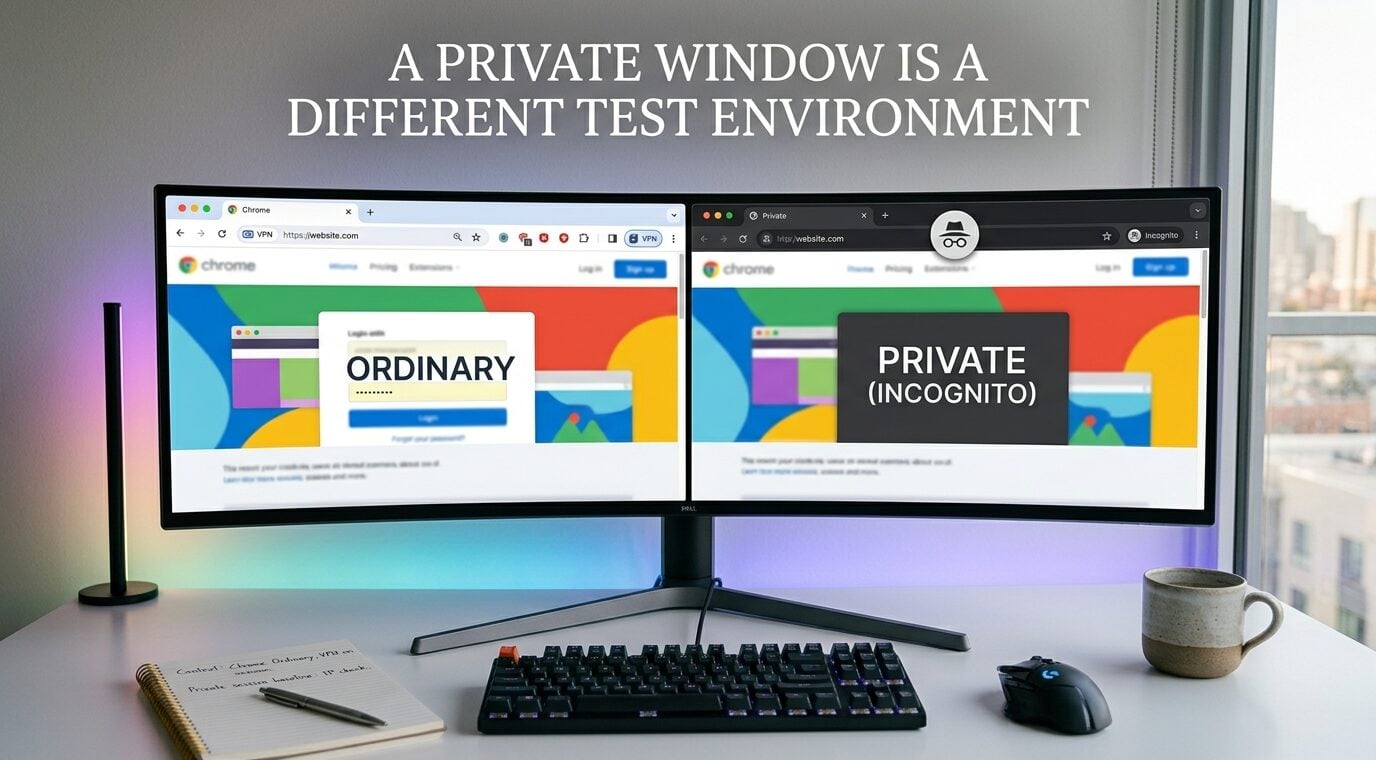
Two browser windows can open the same page without providing the same conditions for a diagnostic check. One may use a signed-in profile with extensions.
The other may start a separate private session. A difference in the result is therefore a question about the setup not an automatic verdict that one window is safer.
An observation tool such as IPDrop’s privacy comparison is useful when the change between measurements is explicit.
Its before-and-after snapshots stay in the same tab, so opening a new private window is not simply the next step in an existing comparison. It creates another context that needs its own description and baseline.
Separate storage privacy from network observations
Google’s explanation of Incognito mode describes limits on what Chrome retains on the device after that session ends.
It does not describe an invisibility switch for every destination or network operator. A private session should not be labelled anonymous merely because it starts without the ordinary window’s cookies.
This distinction matters when someone sees a different public address, an unavailable probe or a changed browser signal.
The observation may be real, but it does not identify its cause. Keep the result separate from the explanation until the relevant settings have been checked.
Record the context before changing it
Write down the browser, whether the window is ordinary or private, and whether a VPN application or browser extension is involved.
An extension available in the ordinary profile may not be enabled in the private session. Check its actual permissions rather than relying on the icon you remember seeing elsewhere.
A browser extension and a system-level network application also have different scopes. Do not assume that changing the window affects both in the same way.
Managed-device policies and browser-specific settings can add further differences, so the description should refer to the setup actually used.
The site’s Dolphin Browser overview provides another browser example. Switching browsers would be another experiment, not a repeat of the original one. Keep that change separate from the question of ordinary versus private windows.
The result need not contain a person’s full public address when shared with support. A note that records whether an expected address matched may be enough for the immediate question. Avoid posting sensitive screenshots merely to demonstrate that a test was run.
Make the comparison inside one context
For a controlled comparison, keep the same tab and browser context while changing one relevant setting. Capture the baseline, make the change, wait for the connection to settle and measure again.
If the network changes during a run, repeat the comparison rather than combining observations from two connection states.
Opening a private window can be a separate experiment, but label it that way. Its baseline belongs to that private context. A pair of screenshots from different windows is not automatically an equivalent before-and-after record, even if their timestamps are close.
This is why the comparison tool’s limitation matters to the method: its snapshots are temporary and tab-local. Record the explanation you need before leaving the page. It is not a permanent audit archive or proof that a configuration is secure.
Keep an inconclusive result inconclusive
A restricted browser feature, unavailable endpoint or interrupted connection can prevent a check from completing. A blank field does not tell you which of those happened. It also does not demonstrate that no address could ever be exposed.
Describe what the test observed, what it could not measure and which single change was made. The next useful step is to investigate that specific difference, not to choose the window with the more reassuring-looking label.
A good diagnostic note makes another person’s comparison possible without promising more than the evidence supports.
