

wp:paragraph
Apple TV does not offer a native web browser like Safari, nor is there an official browser app available in the Apple TV App Store.
/wp:paragraph
wp:paragraph
However, you can still access the internet on your Apple TV using several alternative methods.
/wp:paragraph
wp:image {“id”:54111,”width”:”726px”,”height”:”auto”,”sizeSlug”:”large”,”linkDestination”:”media”,”align”:”center”}

/wp:image
wp:heading
Why Apple TV Doesn’t Have a Built-In Browser?
/wp:heading
wp:paragraph
Apple has designed the Apple TV to prioritize curated apps and streaming services, focusing on content consumption through these dedicated platforms rather than general web browsing.
/wp:paragraph
wp:paragraph
Additionally, browsing the web using a TV remote isn’t the most practical experience, which may explain why Apple has not included this feature.
/wp:paragraph
wp:heading
Ways to Access the Internet on Apple TV
/wp:heading
wp:paragraph
While there’s no native browser, there are a few ways to browse the web on your Apple TV:
/wp:paragraph
wp:heading {“level”:3}
1. AirPlay (Screen Mirroring)
/wp:heading
wp:paragraph
AirPlay allows you to mirror your iPhone, iPad, or Mac screen onto your Apple TV, enabling you to open any browser on your device and display it on the TV.
/wp:paragraph
wp:paragraph
Advantages and Disadvantages of AirPlay:
/wp:paragraph
wp:paragraph
Pros:
/wp:paragraph
wp:list
- wp:list-item
- Easy to use
/wp:list-item
/wp:list
wp:paragraph
/wp:paragraph
wp:list
- wp:list-item
- Uses your familiar browser
/wp:list-item
/wp:list
wp:paragraph
/wp:paragraph
wp:list
- wp:list-item
- Wireless connection
/wp:list-item
/wp:list
wp:paragraph
Cons:
/wp:paragraph
wp:list
- wp:list-item
- Requires an additional Apple device
/wp:list-item
/wp:list
wp:paragraph
/wp:paragraph
wp:list
- wp:list-item
- Can drain the device’s battery
/wp:list-item
/wp:list
wp:paragraph
/wp:paragraph
wp:list
- wp:list-item
- Limited control from the TV
/wp:list-item
/wp:list
wp:heading {“level”:3}
2. Third-Party Web Browsing Apps
/wp:heading
wp:paragraph
Some apps on the App Store offer basic browsing functionality by either mirroring your device’s screen or providing simplified web viewing.
/wp:paragraph
wp:paragraph
Popular Third-Party Browsing Apps:
/wp:paragraph
wp:list
- wp:list-item
- AirWeb: Converts your iOS device into a remote control and trackpad.
/wp:list-item
/wp:list
wp:paragraph
/wp:paragraph
wp:list
- wp:list-item
- AirBrowser: Displays the browser from your iOS device on the Apple TV.
/wp:list-item
/wp:list
wp:paragraph
/wp:paragraph
wp:list
- wp:list-item
- Web Video Caster: Streams web videos and websites from multiple devices.
/wp:list-item
/wp:list
wp:paragraph
/wp:paragraph
wp:list
- wp:list-item
- Castify: Casts web pages and media via screen mirroring.
/wp:list-item
/wp:list
wp:paragraph
Pros and Cons of Third-Party Apps:
/wp:paragraph
wp:paragraph
Pros:
/wp:paragraph
wp:list
- wp:list-item
- Access directly from Apple TV
/wp:list-item
/wp:list
wp:paragraph
/wp:paragraph
wp:list
- wp:list-item
- No extra hardware needed
/wp:list-item
/wp:list
wp:paragraph
Cons:
/wp:paragraph
wp:list
- wp:list-item
- Limited functionality
/wp:list-item
/wp:list
wp:paragraph
/wp:paragraph
wp:list
- wp:list-item
- Typically not as smooth as traditional browsing
/wp:list-item
/wp:list
wp:heading {“level”:3}
3. Cloud Gaming Services
/wp:heading
wp:paragraph
Certain cloud gaming platforms offer access to web tools or browsers as part of a virtual desktop environment.
/wp:paragraph
wp:paragraph
Examples:
/wp:paragraph
wp:list
- wp:list-item
- GeForce Now
/wp:list-item
/wp:list
wp:paragraph
/wp:paragraph
wp:list
- wp:list-item
- Xbox Cloud Gaming
/wp:list-item
/wp:list
wp:paragraph
Pros and Cons:
/wp:paragraph
wp:paragraph
Pros:
/wp:paragraph
wp:list
- wp:list-item
- Can open full desktop browsers
/wp:list-item
/wp:list
wp:paragraph
/wp:paragraph
wp:list
- wp:list-item
- Enables web access through game services
/wp:list-item
/wp:list
wp:paragraph
Cons:
/wp:paragraph
wp:list
- wp:list-item
- Requires a subscription
/wp:list-item
/wp:list
wp:paragraph
/wp:paragraph
wp:list
- wp:list-item
- Internet speed affects performance
/wp:list-item
/wp:list
wp:image {“id”:54115,”width”:”670px”,”height”:”auto”,”sizeSlug”:”full”,”linkDestination”:”media”,”align”:”center”}
/wp:image
wp:heading
Choosing the Best Method
/wp:heading
wp:list
- wp:list-item
- Best for AirPlay: Users who already own Apple devices.
/wp:list-item
/wp:list
wp:paragraph
/wp:paragraph
wp:list
- wp:list-item
- Best for AirWeb/AirBrowser: Those who prefer dedicated Apple TV apps.
/wp:list-item
/wp:list
wp:paragraph
/wp:paragraph
wp:list
- wp:list-item
- Best for Web Video Caster / Castify: Users casting from various devices.
/wp:list-item
/wp:list
wp:paragraph
/wp:paragraph
wp:list
- wp:list-item
- Best for Cloud Gaming: Advanced users needing full browser capabilities.
/wp:list-item
/wp:list
wp:heading
Compatibility Notes
/wp:heading
wp:paragraph
Apple TV runs on tvOS, which is optimized for streaming and not web browsing. While Safari is available on macOS and iOS, it is not supported on tvOS.
/wp:paragraph
wp:paragraph
Users looking for traditional browsing experiences might resort to sideloading, although this requires technical steps and isn’t supported by Apple.
/wp:paragraph
wp:paragraph
Notable Sideloaded Browsers:
/wp:paragraph
wp:list
- wp:list-item
- AirBrowser: A simple web interface for Apple TV.
/wp:list-item
/wp:list
wp:paragraph
/wp:paragraph
wp:list
- wp:list-item
- Web for Apple TV: Basic web interaction designed for tvOS.
/wp:list-item
/wp:list
wp:paragraph
/wp:paragraph
wp:list
- wp:list-item
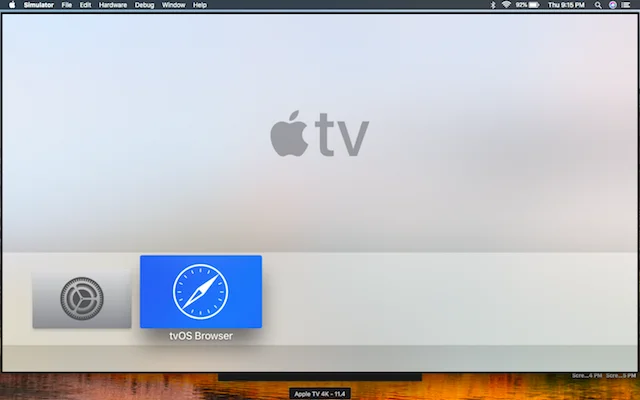
- tvOSBrowser: A full browser that requires sideloading.
/wp:list-item
/wp:list
wp:image {“id”:54114,”width”:”682px”,”height”:”auto”,”sizeSlug”:”large”,”linkDestination”:”media”,”align”:”center”}

/wp:image
wp:heading
Connecting Apple Devices to Apple TV
/wp:heading
wp:paragraph
Using your Apple devices to display content on your TV provides a better viewing experience.
/wp:paragraph
wp:paragraph
You can use either AirPlay for wireless mirroring or HDMI adapters for a wired connection.
/wp:paragraph
wp:heading {“level”:3}
AirPlay for Wireless Mirroring
/wp:heading
wp:paragraph
AirPlay allows you to wirelessly mirror the screen of your iPhone, iPad, or Mac to your Apple TV.
/wp:paragraph
wp:paragraph
To use AirPlay, swipe down on your iOS device to open the Control Center, tap the Screen Mirroring button, and select your Apple TV.
/wp:paragraph
wp:paragraph
On a Mac, click the AirPlay icon in the menu bar and choose your Apple TV.
/wp:paragraph
wp:heading {“level”:3}
HDMI Adapters
/wp:heading
wp:paragraph
If wireless mirroring isn’t an option, HDMI adapters offer a reliable alternative.
/wp:paragraph
wp:paragraph
For newer devices, a USB-C to HDMI adapter works, while older devices require a Lightning to HDMI adapter.
/wp:paragraph
wp:paragraph
Once connected, switch your TV to the appropriate HDMI input to display the content.
/wp:paragraph
wp:heading
Using Third-Party Apps for Web Browsing
/wp:heading
wp:paragraph
Although Apple TV lacks a built-in web browser, third-party apps like AirBrowser and AirWeb allow you to browse the web via your iOS device.
/wp:paragraph
wp:paragraph
Other App Options:
/wp:paragraph
wp:paragraph
Many apps available on the App Store support screen mirroring or casting, giving you the flexibility to access web content on a larger screen.
/wp:paragraph
wp:image {“id”:54113,”width”:”732px”,”height”:”auto”,”sizeSlug”:”large”,”linkDestination”:”media”,”align”:”center”}

/wp:image
wp:heading
Building Apps for Apple TV
/wp:heading
wp:paragraph
For developers, Apple provides tools like Xcode and an Apple Developer account to create custom browsing solutions for tvOS.
/wp:paragraph
wp:paragraph
Open-source examples also make customization within Apple’s development guidelines easier.
/wp:paragraph
wp:heading
Interface and Remote Control
/wp:heading
wp:paragraph
The Apple TV interface is designed for seamless interaction on a large screen, and the Siri Remote is equipped to control browsing apps effectively.
/wp:paragraph
wp:heading {“level”:3}
Using the Siri Remote
/wp:heading
wp:paragraph
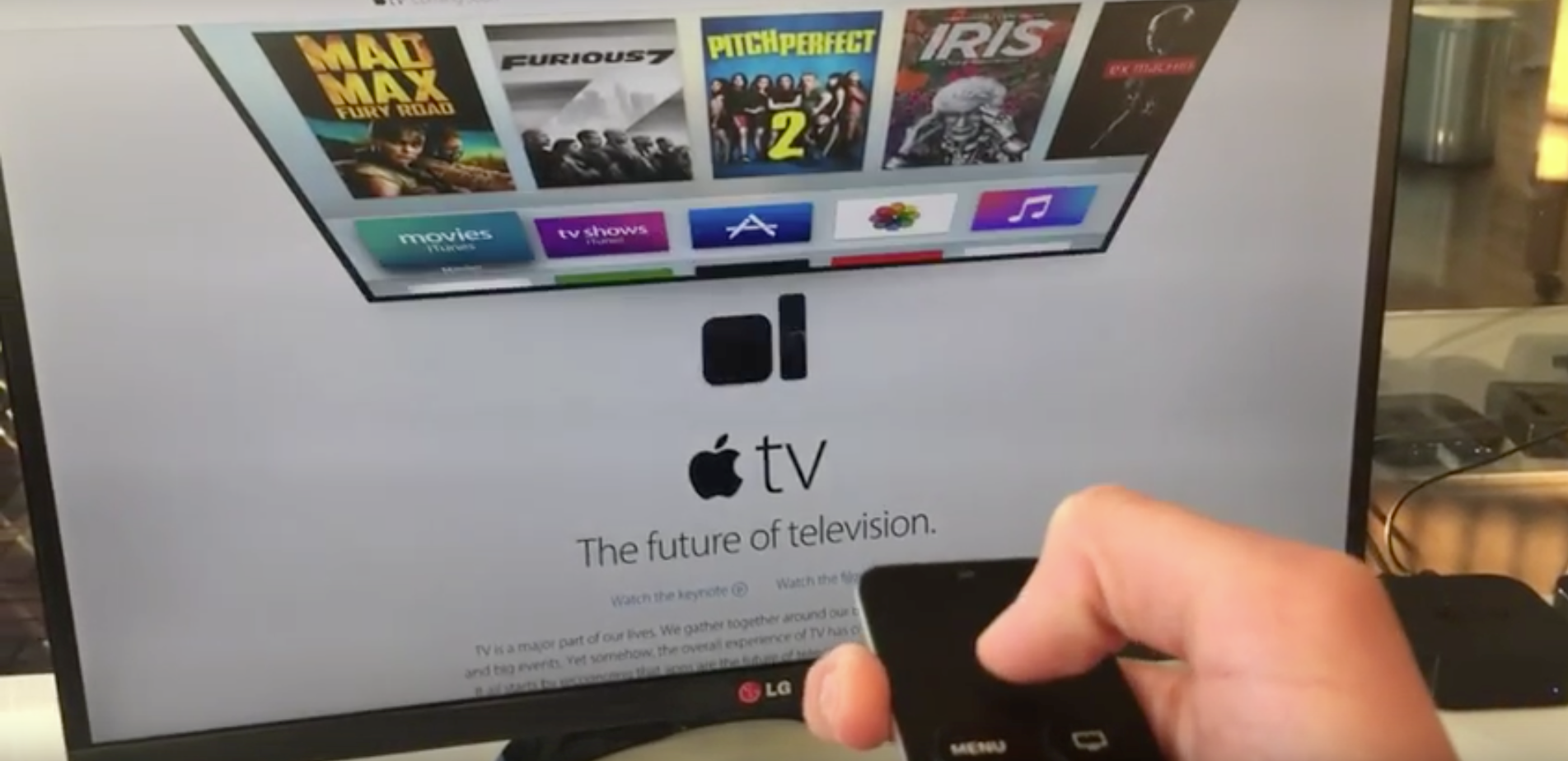
The Siri Remote features a touchpad for scrolling and selection. You can press the center of the touchpad to make selections and use voice commands by holding the Siri button.
/wp:paragraph
wp:paragraph
Gestures and Navigation:
/wp:paragraph
wp:list
- wp:list-item
- Swiping on the remote moves through pages.
/wp:list-item
/wp:list
wp:paragraph
/wp:paragraph
wp:list
- wp:list-item
- The Menu button lets you go back or close menus.
/wp:list-item
/wp:list
wp:paragraph
/wp:paragraph
wp:list
- wp:list-item
- Apple TV doesn’t support pinch-to-zoom, though some apps may offer zoom options through alternate controls.
/wp:list-item
/wp:list
wp:heading
Streaming and Subscriptions
/wp:heading
wp:paragraph
Apple TV makes it easy to access streaming services like Apple TV+ and MLS Season Pass.
/wp:paragraph
wp:heading {“level”:3}
Subscribing to Apple TV+
/wp:heading
wp:paragraph
You can sign up for Apple TV+ on tv.apple.com. Once logged in with your Apple ID, you can immediately start watching.
/wp:paragraph
wp:paragraph
The service is available not only on Apple hardware but also on PCs, Android devices, and Chromebooks through browsers like Chrome and Firefox.
/wp:paragraph
wp:heading {“level”:3}
Watching MLS Games
/wp:heading
wp:paragraph
To watch MLS games, subscribe to the MLS Season Pass through Apple TV+. The service is available across various platforms, providing flexibility for sports fans.
/wp:paragraph
wp:image {“id”:54112,”width”:”706px”,”height”:”auto”,”sizeSlug”:”large”,”linkDestination”:”media”,”align”:”center”}
/wp:image
wp:heading
Security and Privacy
/wp:heading
wp:paragraph
Although Apple TV doesn’t support web browsing natively, mirroring from secure devices ensures that your information remains protected.
/wp:paragraph
wp:heading {“level”:3}
Keeping Your Data Safe with Mirroring
/wp:heading
wp:paragraph
AirPlay allows you to mirror your device’s content while maintaining the security features on your device, such as ad blockers.
/wp:paragraph
wp:paragraph
This means that your iPhone or iPad’s security settings carry over to your Apple TV.
/wp:paragraph
wp:heading {“level”:3}
Built-In Privacy Tools
/wp:heading
wp:paragraph
Apple provides several privacy features to protect your data:
/wp:paragraph
wp:list
- wp:list-item
- Private Browsing in Safari: Prevents trackers from monitoring your activity.
/wp:list-item
/wp:list
wp:paragraph
/wp:paragraph
wp:list
- wp:list-item
- Ad Blockers: Although not built into Apple TV, any ad blockers on your mirrored device will provide extra protection.
/wp:list-item
/wp:list
wp:paragraph
/wp:paragraph
wp:list
- wp:list-item
- Secure Data Handling: Apple’s system updates help prevent unauthorized access to personal information, with features like Lockdown Mode providing additional security.
/wp:list-item
/wp:list
wp:heading
FAQs
/wp:heading
wp:heading {“level”:3}
Why isn’t my web browser working on Apple TV?
/wp:heading
wp:paragraph
Ensure your Apple TV and casting device are on the same Wi-Fi network, update your software, and restart both devices if needed.
/wp:paragraph
wp:heading {“level”:3}
How do I log into Apple TV through a browser?
/wp:heading
wp:paragraph
Go to tv.apple.com, sign in with your Apple ID, and complete any verification steps.
/wp:paragraph
wp:heading {“level”:3}
Can I use Chrome on Apple TV?
/wp:heading
wp:paragraph
There’s no official Chrome app for Apple TV, but you can mirror Chrome from a Mac or iOS device.
/wp:paragraph
wp:heading {“level”:3}
How do I stream Apple TV+ on Android?
/wp:heading
wp:paragraph
Visit tv.apple.com in a browser on your Android phone or tablet, sign in, and start watching.
/wp:paragraph
wp:heading {“level”:3}
Is Apple TV+ available on Windows PCs?
/wp:heading
wp:paragraph
Yes, you can visit tv.apple.com in any browser on a Windows PC, sign in with your Apple ID, and stream content.
/wp:paragraph
wp:heading {“level”:3}
Can I use Reddit on Apple TV?
/wp:heading
wp:paragraph
Use apps like AirWeb to mirror Reddit from an iPhone or iPad. While not the same as a native app, it works well for browsing and viewing.
/wp:paragraph
