

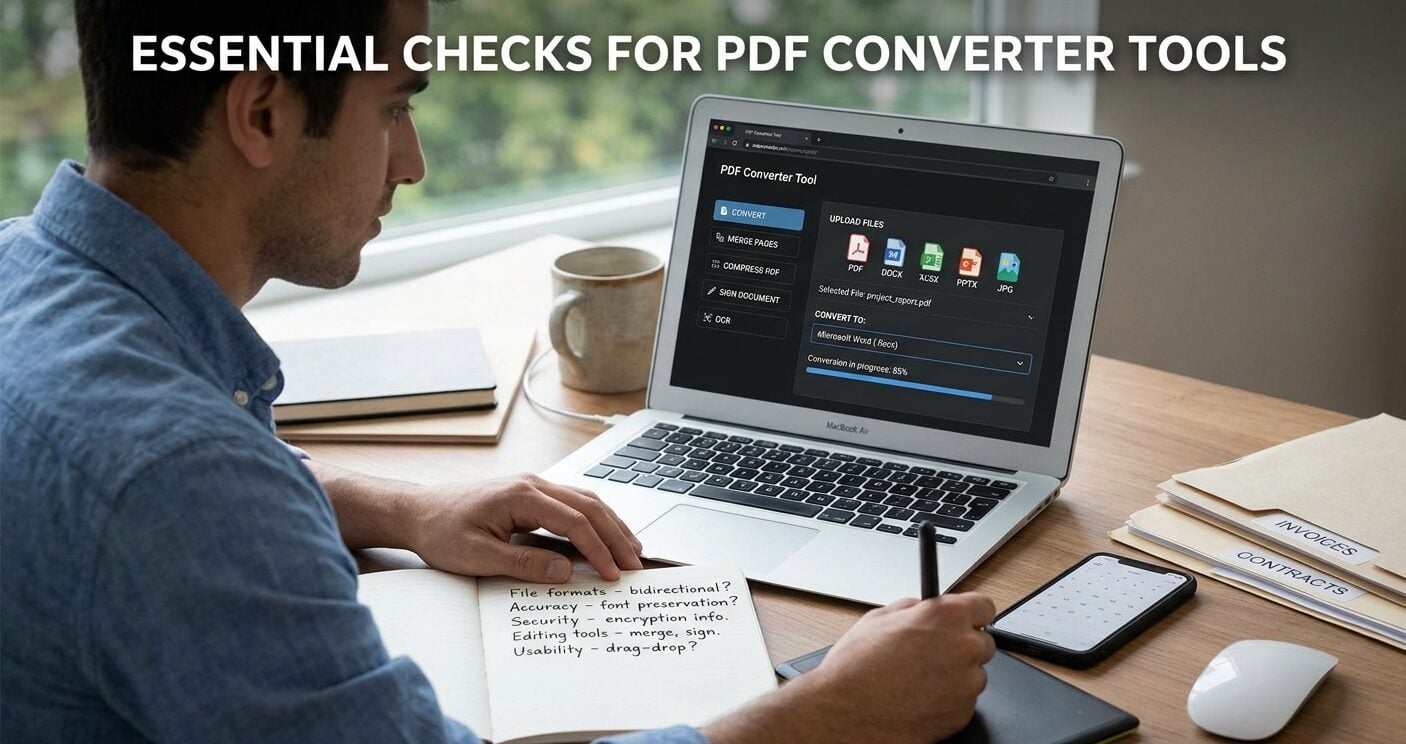
PDF conversion looks simple until a file loses its layout, exposes private information, or produces an unusable document. People need a tool that preserves content while fitting routine tasks such as editing, sharing, and filing.
Format support, security practices, and output quality determine whether a converted file remains practical after download. The following checks help users compare PDF converters before trusting them with daily documents.
1. File Format Coverage
File types should match the documents people receive and send, rather than forcing a separate application for each task.
During this review, a PDF file converter should support common PDF, DOC, XLS, PPT, and JPG conversions in both directions. Clear format labels reduce mistakes before someone uploads a document that a colleague or client will need to edit later.
Bidirectional conversion matters because teams often receive a PDF, revise its contents, then return a finished PDF to clients after approval.
Check whether the service lists each required route, including converting PDFs to editable office files and image-based documents to PDFs with a reliable page layout for later review.
2. Conversion Accuracy
Accuracy shows up in page breaks, fonts, tables, images, and spacing after the download completes. A useful converter keeps the original reading order instead of scattering text across the page. Test a document with a table and an image, then compare the output against the source file.
Editable output requires extra attention. A PDF-to-document conversion should retain paragraphs as text, rather than placing each page inside an image.
Spreadsheet conversions also need usable cells and columns, because a visual copy does not support sorting, formulas, or data checks. Run a sample before batch conversion.
3. Security and File Handling
Online conversion requires users to upload documents, so review file handling closely before any work begins. Look for a clear statement that explains encryption, access controls, and file deletion after processing. Those details show how the provider handles documents while they temporarily remain on its servers.
Sensitive files need extra care. Tax records, contracts, and medical paperwork should not sit in an account longer than necessary.
Users should also check whether a service requires registration, permits account deletion, and explains who can access uploaded material. A privacy page should answer those questions plainly.
4. Editing and Workflow Tools
Conversion rarely happens alone. A practical tool also lets users merge pages, compress large files, and reorder a document before sharing.
Editing options matter when someone must correct text, add an image, or complete a form after conversion. Related functions reduce repeated uploads and prevent version confusion.
Document signing and text recognition deserve separate checks. Signing should place a visible signature where a recipient expects it.
Text recognition should turn scanned pages into searchable text that users can review and correct. These tools save time only when their results remain readable and accurately placed.
5. Device Access and Usability
A web-based converter should work across common operating systems and current browsers without a software installation.
Drag-and-drop uploading, clear progress messages, and direct downloads reduce avoidable errors. Mobile access also matters for people who review attachments away from a desk. The interface should keep file names visible.
Usability includes recovery from mistakes. Before conversion, users should be able to confirm the selected file and desired output format.
Afterward, the download should be easy to find, and an error message should explain the next action. A confusing screen slows routine work and increases duplicate uploads.
6. Limits, Pricing, and Support
Usage limits affect whether a converter fits occasional tasks or a regular workload. Check file-size limits, daily conversion caps, and restrictions on certain formats before relying on a service. A free trial can reveal those limits, but the terms should clearly state what happens after it ends.
Price comparisons need the billing period beside the listed amount. Monthly and annual plans can differ, so users should calculate the full cost before entering payment details.
Support information also matters when a conversion fails or an account question arises. A contact page and policies reduce delays.
Conclusion
Choose a converter after testing one representative file, rather than trusting a feature list alone. Compare format routes, output accuracy, file handling, and limits against work people complete each week. Then read the privacy and billing terms before uploading sensitive material or entering payment details.
That review gives users a basis for choosing a tool that keeps documents usable and private. It should fit regular document tasks each week without unnecessary steps or extra installed software.
